Introduction: Plug, Play, and Problems
PC gaming is more versatile than ever, but connecting controllers can still be a headache. Between Bluetooth pairing issues and driver conflicts, getting your PS5 controller tester results to show up on screen isn\'t always automatic.
Whether you want to know how to connect ps4 controller to pc or need a joystick finder for a generic USB pad, this guide has you covered. Let\'s get you connected and ready for a gamepad test.
Section 1: How to Connect Xbox Controller to PC
Xbox controllers are the most compatible with Windows. Most users can simply plug in a USB cable or use the Xbox controller tester built into the OS. To connect via Bluetooth, hold the pairing button until the Xbox logo flashes, then find it in your PC\'s Bluetooth settings. If it fails, run a check controller diagnostic to ensure the hardware is active.
Section 2: How to Connect PS5 & PS4 Controller to PC
PlayStation controllers require a bit more setup. For how to bluetooth ps4 controller connections, hold the PS and Share buttons simultaneously. PC games often need a middle-man like Steam or DS4Windows to translate the inputs. Use our gamepad checker to verify that your PC is seeing the dualshock calibration signals correctly.
Section 3: Common Connection Issues
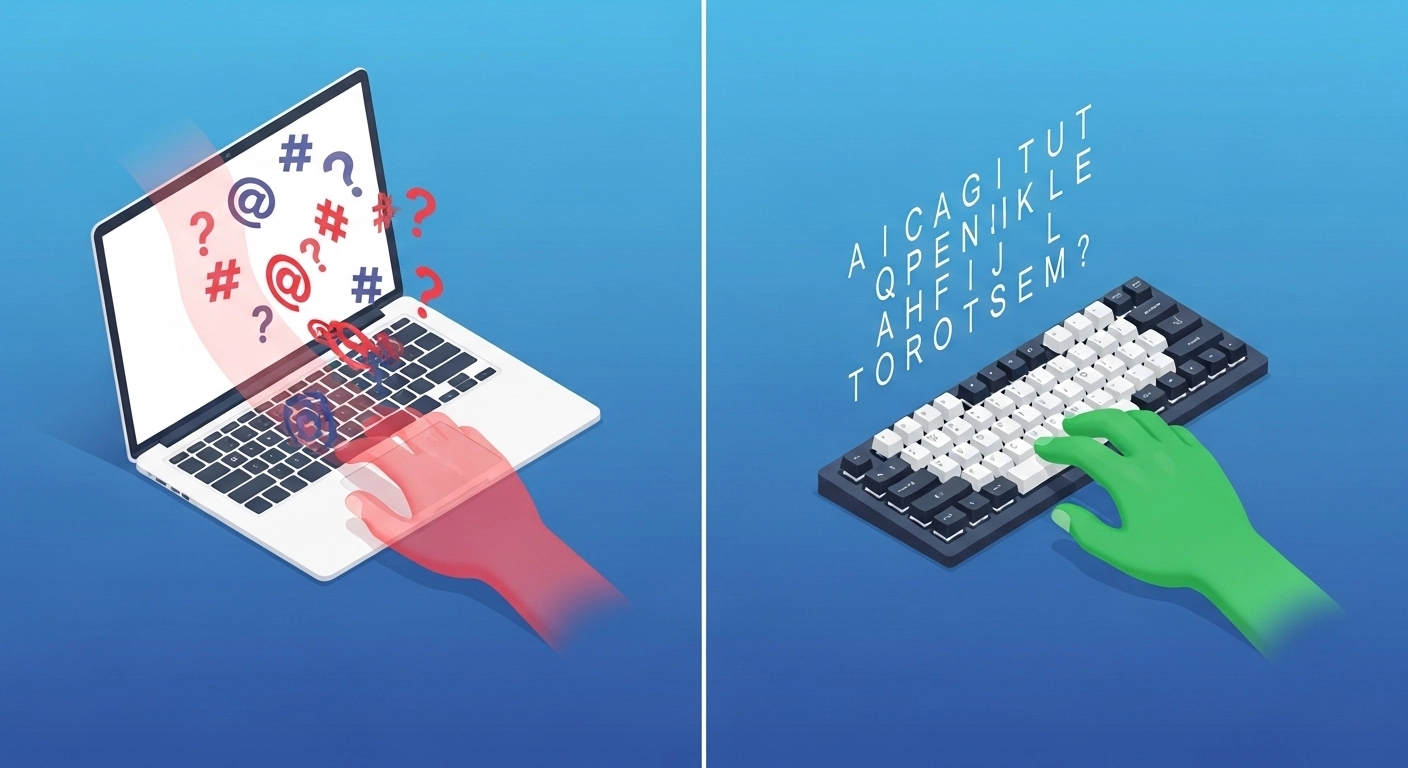
If your controller isn\'t showing up in our gamepad-tester, check these common culprits:
- Driver Error: Check Device Manager for any yellow warning icons. Reinstalling the HID game controller driver often fixes the issue.
- Bluetooth Interference: Move other wireless devices away from your PC.
- Faulty Cables: Not all USB cables transmit data; some are charge-only. Verify with a known good cable.
Section 4: Verifying the Connection
Once connected, always perform a gamepad button test. This ensures that every trigger and joystick axis is mapped correctly. Our joypad tester is the perfect way to verify your connection before jumping into a game.
Conclusion
Connecting your hardware should be the easy part. With the right drivers and a solid gamepad tester pc tool, you can spend less time troubleshooting and more time gaming. If your controller still won\'t connect, it might be time for a controller checking physical inspection.
Check Your Controller Connection Now →