Introduction: Why Keyboard Size Matters
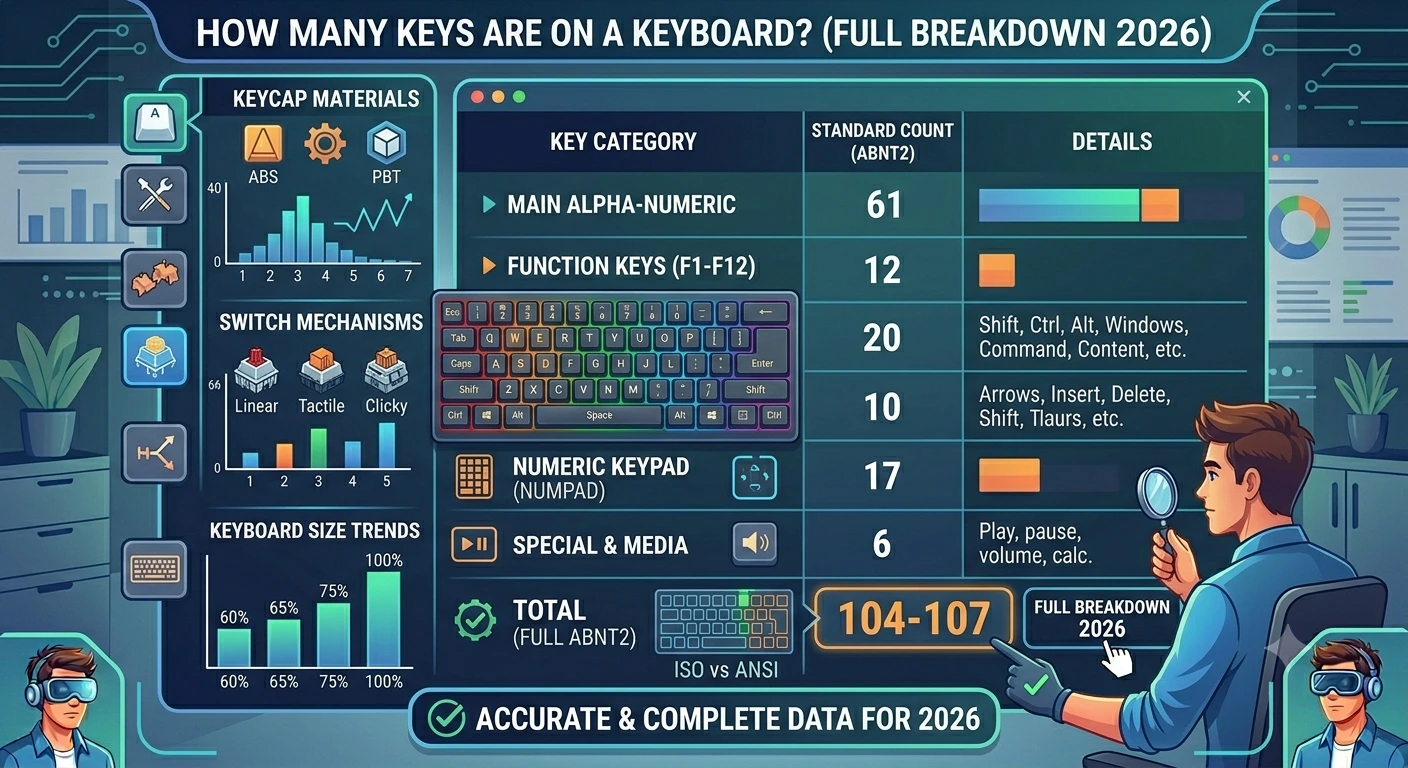
Whether you are buying your first mechanical keyboard or building a custom one, the most important question is: how many keys in a keyboard do I actually need? Layouts have changed drastically over the years, moving from the massive IBM Model M to the tiny 40% boards favored by enthusiasts in 2026.
In this breakdown, we'll answer exactly how many keys are on a full size keyboard, what's missing on a TKL keyboard layout, and why keyboard 60 percent boards are taking over the world.
Section 1: The Standard Full-Size (104/105 Keys)
The standard qwerty computer keyboard used in offices worldwide typically has 104 keys (US ANSI) or 105 keys (International ISO). This includes the keyboard numpad, the function row (F1-F12), and the dedicated navigation cluster (Arrows, Home, End, etc.).
Best for: Data entry, accounting, and users who don't want to learn complex layers. If you use a mac magic keyboard, you might have a slightly different count depending on the model.
Section 2: Tenkeyless (TKL) (87/88 Keys)
The 80 percent keyboard, or TKL, is the most popular choice for gamers. It removes the numpad but keeps everything else. This provides more room for your mouse, which is essential for fortnite best ads sensitvity and high-speed flick shots.
Use our keyboard tester to verify your TKL layout and ensure your function keys are mapping correctly.
Section 3: The Compact 60% and 65% (61-68 Keys)
How many keys are on a 60 keyboard? Usually 61. These boards remove the function row, navigation cluster, and numpad. Every missing key is accessed via a "layer" (holding the Fn key). 65% boards add back the arrow keys, making them a great middle ground for programmers.
Conclusion
The best keyboard isn't the one with the most keys; it's the one that fits your desk and your workflow. Whether you need a wireless numpad for work or a keyboard 60 percent for gaming, make sure to perform a keyboard button tester check at KeyTest.io to verify every switch is functional.