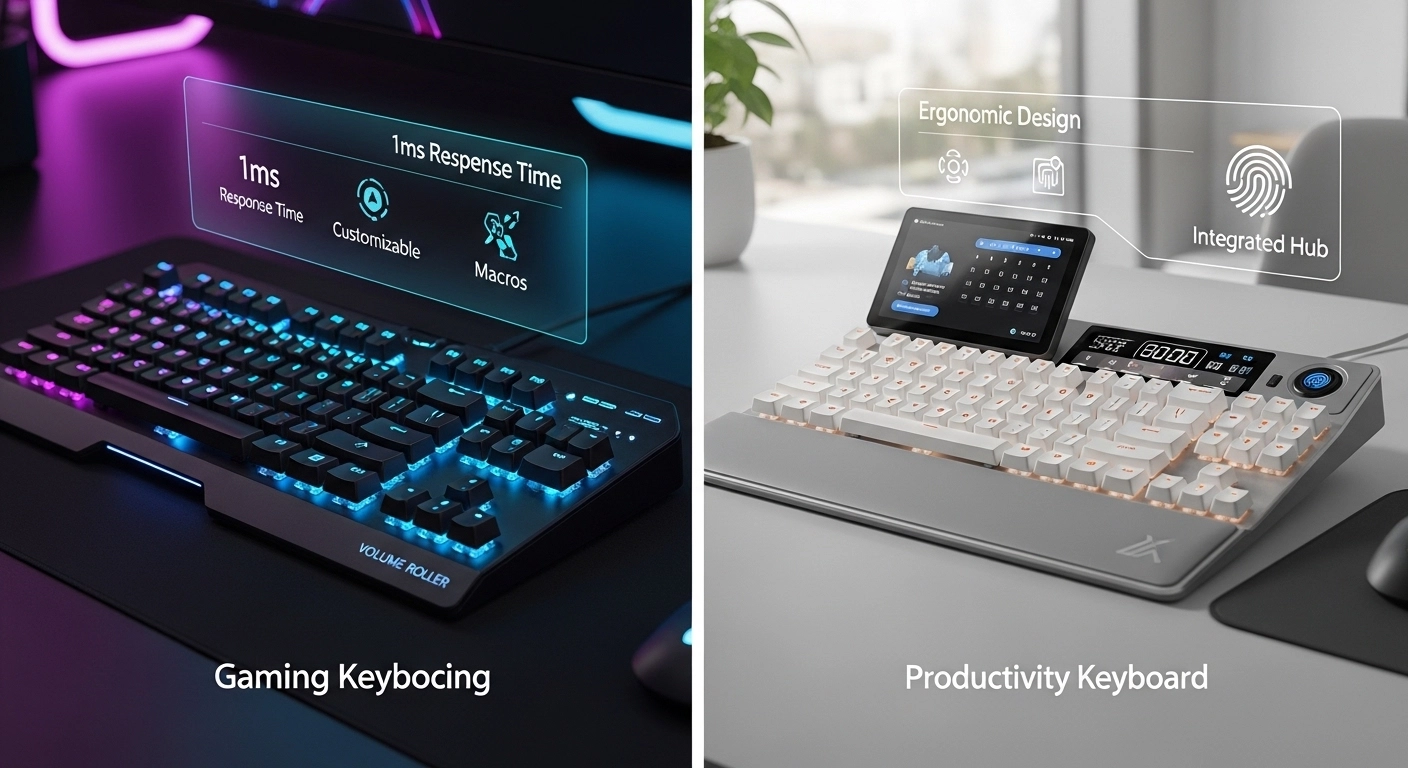
Introduction: The Secret to Gaming Speed
In the world of competitive gaming, every millisecond counts. You might have the best mechanical switches and the fastest monitor, but if your keyboard polling rate is low, you are playing at a disadvantage. But what exactly is polling rate, and does 8000Hz actually make a difference?
In this guide, we'll break down the science of keyboard polling rate test results, explain how it affects input lag, and show you how to verify your hardware speed using our online keyboard tester.
Section 1: What is Keyboard Polling Rate?
Polling rate refers to how often your keyboard reports its status to your computer. It is measured in Hertz (Hz). For example:
- 125Hz: Reports every 8ms.
- 500Hz: Reports every 2ms.
- 1000Hz: Reports every 1ms (Standard for gaming).
- 8000Hz: Reports every 0.125ms (Ultra-high performance).
A higher polling rate means lower keyboard latency, ensuring your character moves the exact moment you tap a key. This is crucial for analog gaming keyboards used in titles like Valorant or CS2.
Section 2: How to Perform a Keyboard Polling Rate Test
To accurately measure your polling rate, you need a keystroke test tool that can track the frequency of data packets. While Windows doesn't show this by default, you can use our keyboard checker to observe how quickly your inputs are registered.

High-end boards like the Corsair K70 or Wooting 60HE allow you to toggle between different rates. Always use a keyboard latency test after changing settings to confirm the computer is receiving data at the expected speed.
Section 3: Polling Rate vs. Scan Rate
Don't confuse polling rate with scan rate. Scan rate is how fast the internal keyboard controller checks the physical switches. A good mechanical keyboard should have a scan rate higher than its polling rate to avoid missed inputs. Using a keyboard tester online regularly can help you identify if your scan rate is failing, leading to "ghost" keys or missed clicks.
Conclusion
For most users, 1000Hz is the sweet spot. However, if you are a professional looking for every possible edge, an 8000Hz keyboard test speed might be worth the upgrade. Test your current hardware on KeyTest.io today to see if your gear is keeping up with your skills!