Introduction: The Plague of Stick Drift
In 2026, even with next-gen hardware, one issue continues to haunt gamers more than any other: **stick drift**. Whether you are playing a high-stakes competitive match or exploring an open world, unwanted movement can ruin your experience. But before you throw your controller away, you need to diagnose the severity and explore potential fixes.
In this guide, we\'ll show you how to use a professional stick drift tester to measure the problem and provide step-by-step instructions for PS5 stick drift fix, Xbox controller drift repair, and Nintendo Switch joycon drift solutions. It's time to regain control.
Section 1: Perform a Stick Drift Test
The first step in any repair is accurate diagnosis. You might feel like your character is drifting, but a visual stick drift test will confirm exactly which axis is failing and by how much.
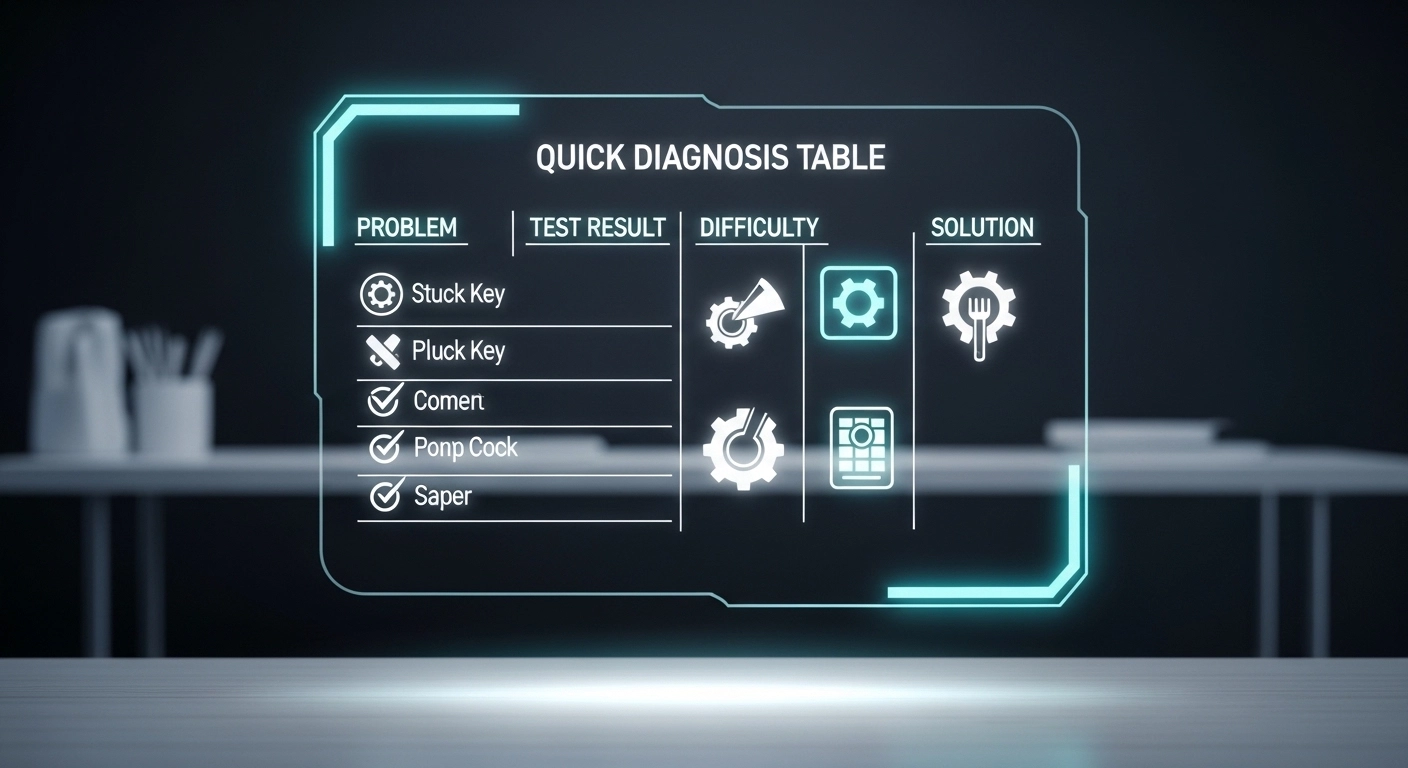
Using our gamepad tester, you can see the raw input values of your joysticks. If the coordinates aren\'t returning to (0,0) when you release the stick, you have drift. A deviation of more than 15% usually requires intervention. This controller drift test is the same baseline used by professional repair technicians.
Section 2: Why Does Stick Drift Happen?
Most modern controllers use potentiometers—small sensors that use physical contact to measure movement. Over time, the resistive tracks wear down or collect dust, leading to erratic signals. In 2026, many gamers are upgrading to Hall Effect sticks, which use magnets instead of physical contact, making them virtually immune to drift.
Section 3: How to Fix Stick Drift Without Opening the Controller
Before you reach for the screwdriver, try these non-invasive fixes:
- Compressed Air: Use a blast of air around the base of the thumbstick to clear out skin cells and dust.
- Isopropyl Alcohol: Apply a tiny amount of 70%+ alcohol to the base of the stick, rotate it for 30 seconds, and let it dry. This can clean the internal tracks.
- Calibration: Use a gamepad calibration tool or your console\'s built-in settings to increase the "deadzone." This tells the game to ignore small drift movements.
Section 4: Advanced Fixes – Replacing the Joystick
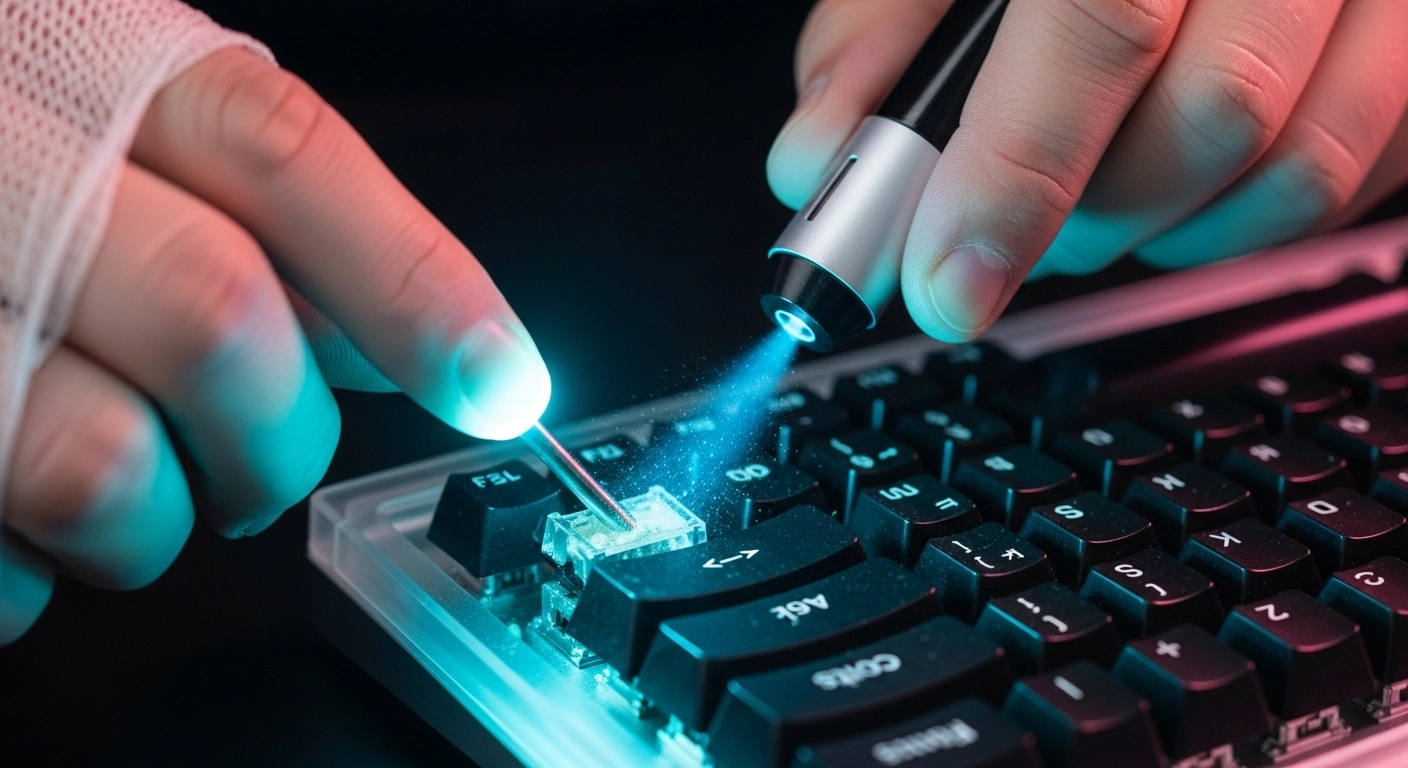
If cleaning doesn\'t work, you may need a controller joystick replacement. For PS5 and Xbox, this involves soldering a new module onto the PCB. For the Steam Deck or certain high-end custom controllers, you can swap in TMR analog sticks for the ultimate precision upgrade.
Conclusion: Don\'t Let Drift Win
Stick drift is a hardware reality, but it doesn\'t have to be a death sentence for your favorite gamepad. Regular controller checking and maintenance can extend the life of your hardware significantly. If you\'re tired of standard sensors, consider moving to a controller with Hall Effect technology in 2026.
Ready to see how healthy your sticks are? Run our stick drift tester now.
Start Your Stick Drift Test Now →