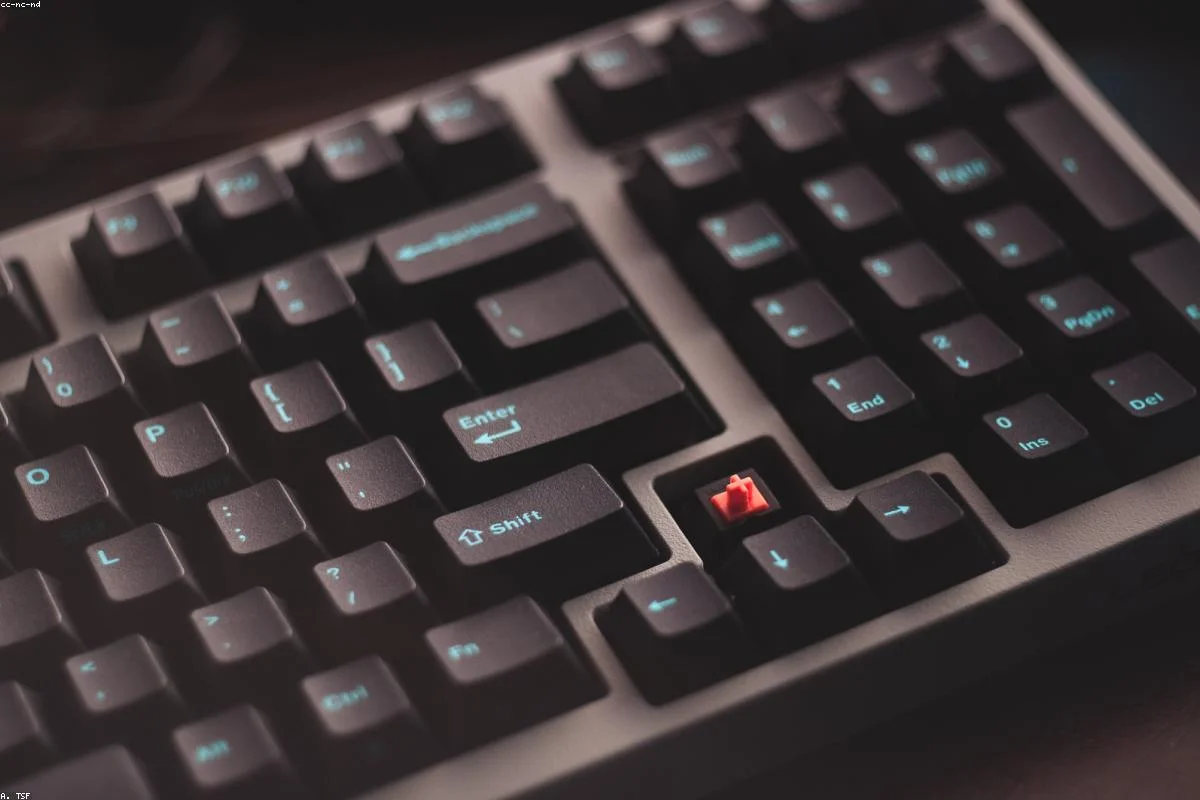
Introduction: The Pursuit of the Silent "Thock"
For most of the last decade, mechanical keyboards were defined by their noise. Whether it was the sharp click of a Blue switch or the heavy clack of a bottomed-out linear, sound was the primary feedback. But in 2026, a new trend has taken over: the pursuit of the silent, deep "thock." Whether you are working in a shared office, recording a podcast, or just want a more peaceful evening of gaming, acoustic tuning has become the advanced frontier of the keyboard hobby.
In this 1500-word guide, we explore the science of keyboard acoustics. We will break down how sound is created within a keyboard case and, more importantly, how to eliminate the frequencies you don\'t want while enhancing the ones you do. Welcome to the quiet revolution.
Section 1: The Physics of Keyboard Sound
To silence a keyboard, you must first understand why it makes noise. Sound in a keyboard comes from four primary sources:
- The Downstroke: When the switch stem hits the bottom of the switch housing.
- The Upstroke: When the switch stem hits the top of the housing upon release.
- Vibration: The sound wave traveling through the PCB and into the hollow space of the case.
- Stabilizer Rattle: The metal wire of the large keys vibrating against the plastic housing.
A truly silent keyboard addresses all four of these areas simultaneously. If you only change the switches but leave a hollow plastic case, you will still hear the "echo" of every press.
Section 2: The Best Silent Switches of 2026
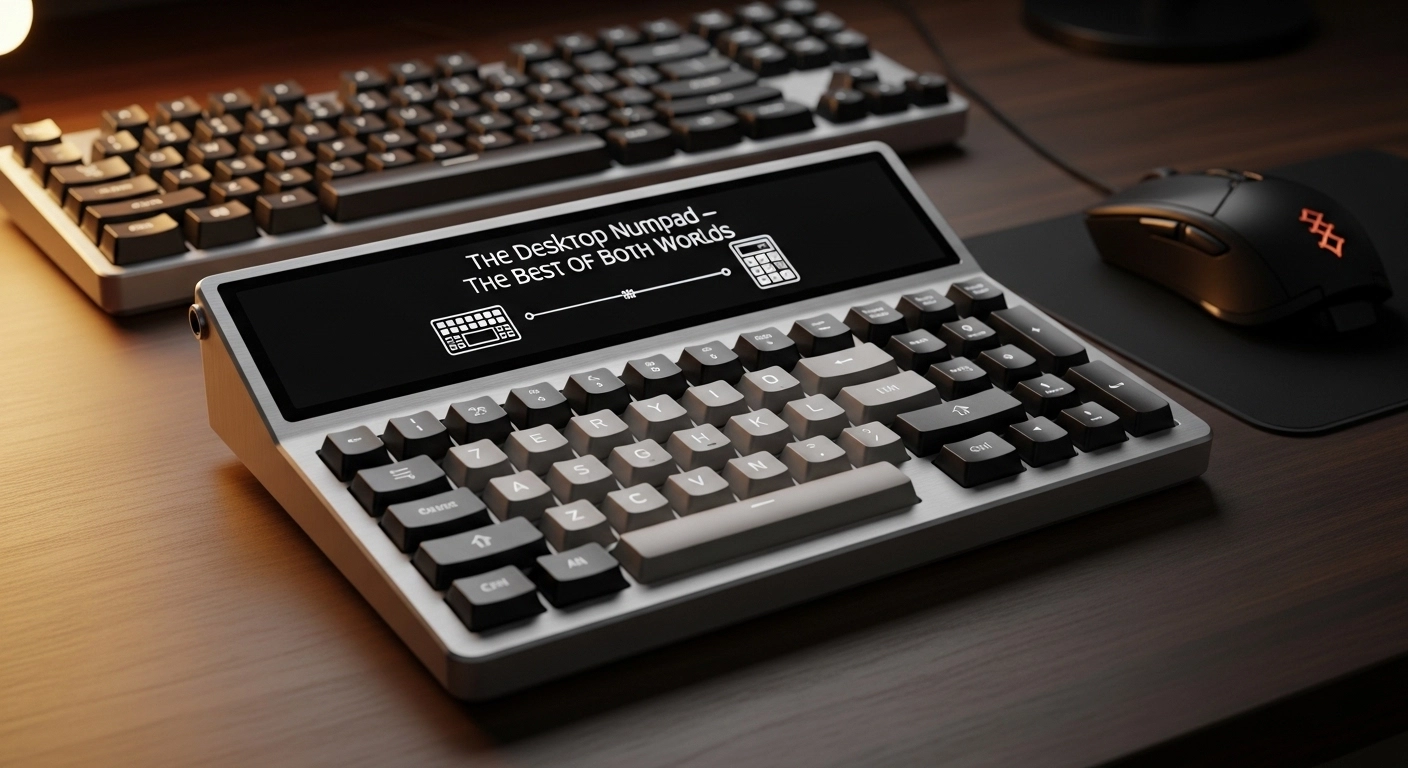
The switch is the first line of defense. Unlike standard switches, "silent" mechanical switches feature integrated rubber dampeners on the stem. These dampeners cushion the impact at both the top and bottom of the stroke.
Top Silent Linear Choice: Keytest Whisper V3
The Whisper V3 has become the industry standard for silent linears. It uses a proprietary silicone padding that is soft enough to kill the sound but firm enough to avoid the "mushy" feeling that plagued early silent switches. With a 62g bottom-out weight, it provides a substantial, premium feel.
Top Silent Tactile Choice: Boba U4 (2026 Edition)
For those who need a tactile bump but want total silence, the Boba U4 remains king. The bump is located right at the top of the stroke, providing immediate feedback, while the internal dampeners ensure it makes less noise than a standard membrane keyboard.
Section 3: Case Dampening – Killing the Echo

Even the quietest switches will sound loud in a cheap, hollow case. In 2026, we use several advanced materials to dampen the "echo chamber" inside your keyboard.
Poron and IXPE Foams
Most high-end silent builds now use a triple-layer foam system. Poron foam is placed at the bottom of the case to absorb low-frequency vibrations. A thin layer of IXPE foam is placed between the switches and the PCB to act as a "sound concentrator," and a plate foam is used to fill the gap between the PCB and the top plate.
Tape Mods and Force Break
The "Tape Mod" (applying layers of masking tape to the back of the PCB) has become a classic technique for deepening the sound profile. For metal cases, the "Force Break Mod"—applying small pieces of tape around the screw holes to prevent the top and bottom case halves from vibrating against each other—is essential for eliminating "case ping."
Section 4: The Gasket Revolution
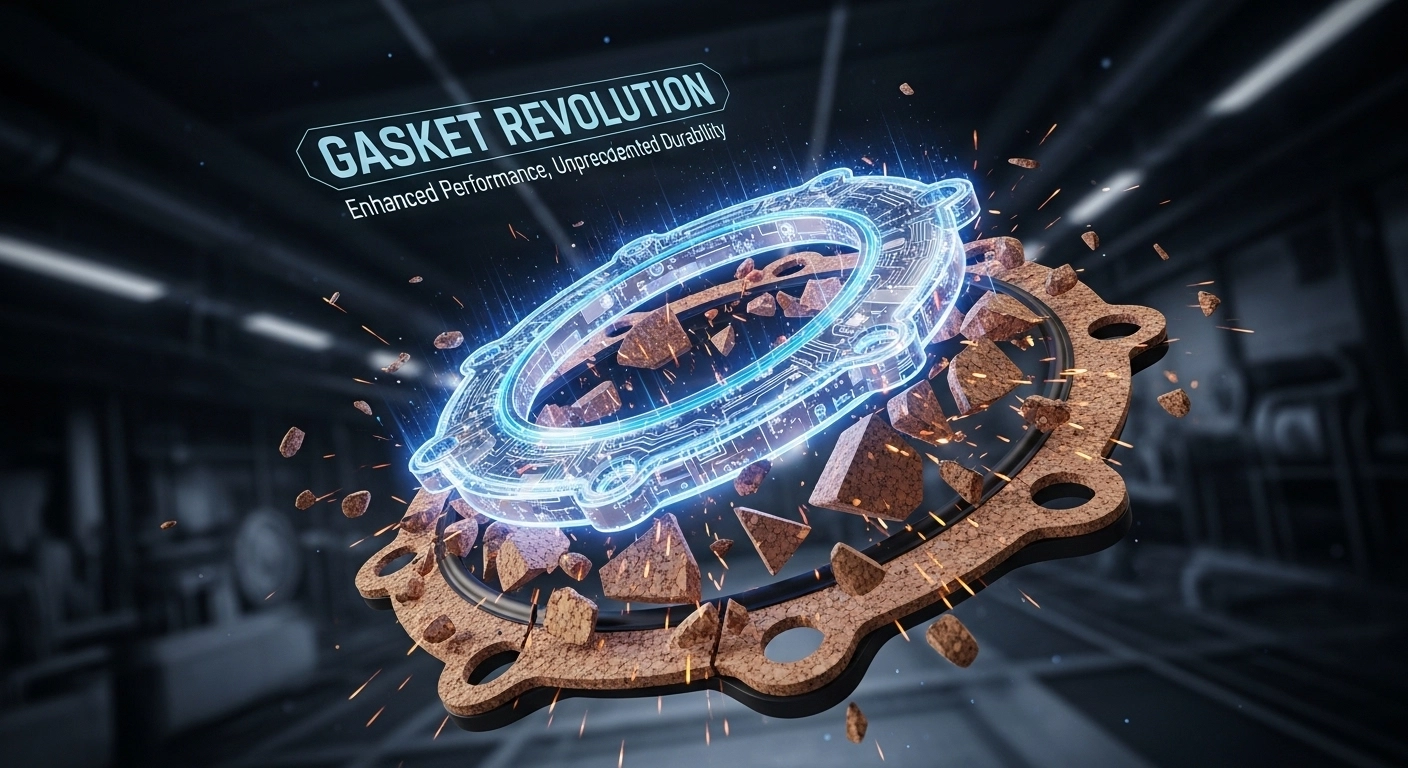
One of the biggest contributors to noise is the physical connection between the typing assembly (PCB/Plate) and the case. Older "Tray Mount" keyboards screwed the PCB directly into the case, which transferred every vibration. In 2026, **Gasket Mounting** has solved this. The assembly is suspended by rubber gaskets, which decouple the vibration from the case entirely. This not only makes the board quieter but also provides a soft, "bouncy" typing feel that is much easier on the joints.
Section 5: Tuning the Stabilizers
Nothing ruins a silent build faster than a rattly spacebar. Tuning your stabilizers is the most time-consuming but rewarding part of a silent build. We recommend the "Holee Mod," which involves placing a small piece of medical tape inside the stabilizer stem to cushion the impact of the metal wire. When combined with a heavy lubricant like Permatex Dielectric Grease or Krytox XHT-BDZ, your spacebar will sound more like a soft "thud" than a plastic "clack."
The Acoustic Comparison Table
| Mod Technique | Difficulty | Effect |
|---|---|---|
| Silent Switches | Low (Hot-swap) | Eliminates primary click/clack |
| Case Foam | Medium | Removes hollow echo |
| Stabilizer Tuning | High | Stop annoying heavy key rattle |
| Gasket Mounting | Automatic (Case) | Decouples vibration entirely |
Section 6: Is the Silent Path Right for You?
Silent keyboards aren\'t for everyone. Some enthusiasts miss the "crispness" of a non-dampened switch. However, for professional environments, shared living spaces, or late-night creativity, the benefits are undeniable. A well-tuned silent mechanical keyboard provides all the ergonomic and tactile benefits of a high-end board without the social cost of disturbing those around you.
Frequently Asked Questions
Q: Will silent switches make my keyboard sound like a membrane?
No. A high-quality silent mechanical board will feel much more solid and consistent than a membrane board. The sound is more of a deep "thud" than a mushy friction sound.
Q: Can I turn a clicky keyboard into a silent one?
The easiest way is to swap the switches. If your keyboard is hot-swappable, you can do this in 20 minutes. If not, you will need to desolder the old switches and solder in the new silent ones.
Q: Does O-Rings help with silence?
O-rings are a cheap way to dampen the bottom-out sound, but they don\'t help with the upstroke noise. Professional silent switches are much more effective than O-rings.
Conclusion
Achieving total silence in a mechanical keyboard is an art form. It requires attention to detail at every layer, from the gaskets to the foam to the switches. But once you experience the focused, peaceful atmosphere of a perfectly tuned silent board, you may never go back to the clatter of the past. Your ears—and your workspace neighbors—will thank you.
Think your keyboard is making more noise than it should? Test the consistency of your keystrokes and see if a specific key is failing or rattling.
Check for rattling keys on Keytest.io → Start TestBookmark this guide for your next build and share the silence!