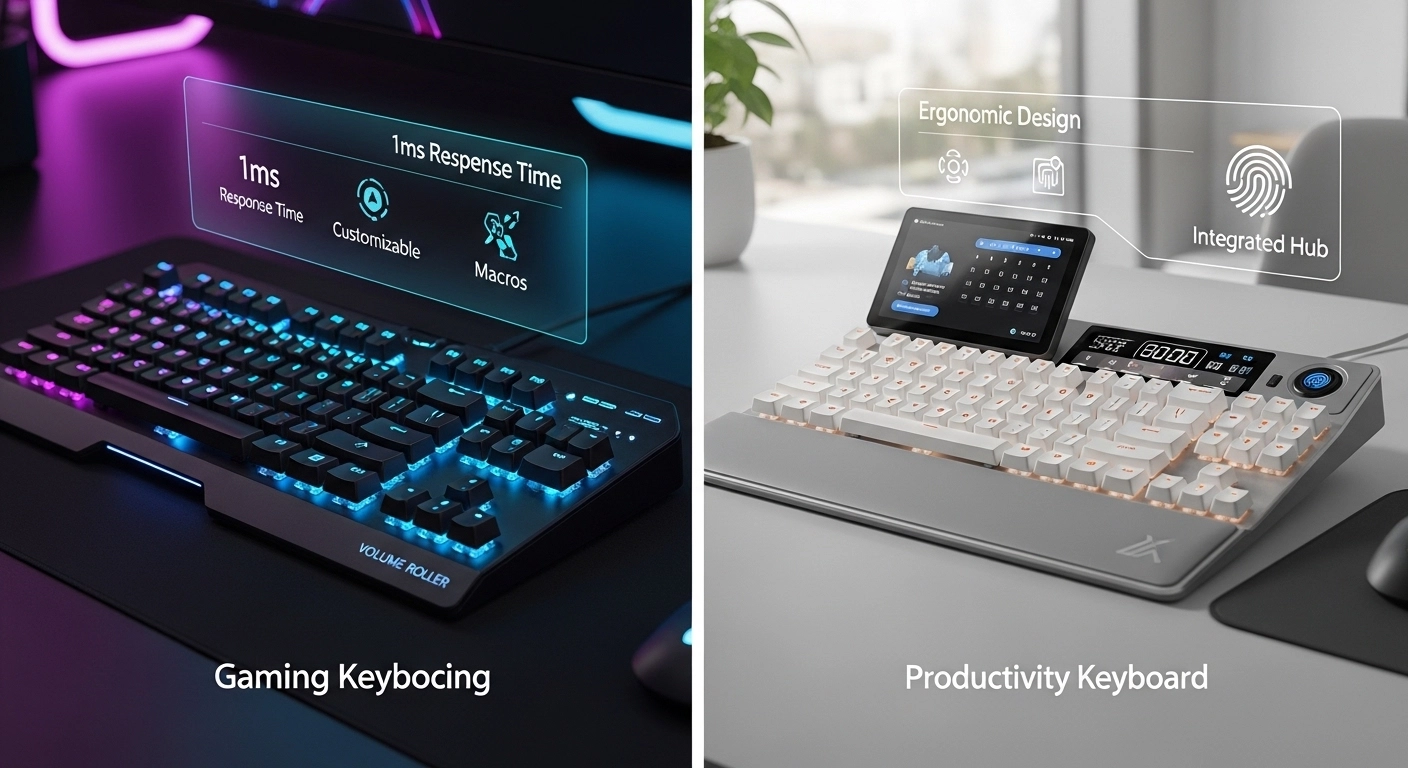
Section 1: The Philosophy of Performance
The core difference between gaming and productivity starts with what the keyboard is trying to achieve. One is focused on **Speed**, the other on **Consistency**.
Gaming: Every Millisecond Counts

In 2026, gaming keyboards have moved beyond simple mechanical switches to "Hall Effect" (HE) and Optical sensors. These allow for **Rapid Trigger**, a feature that resets the key the moment you start lifting your finger, rather than waiting for it to cross a specific physical reset point. This is vital for games that require precise movement stop-starts. High-end gaming boards also now standardly feature 8000Hz polling rates, communicating with the PC eight times more often than a standard board.
Productivity: Human-Centric Design
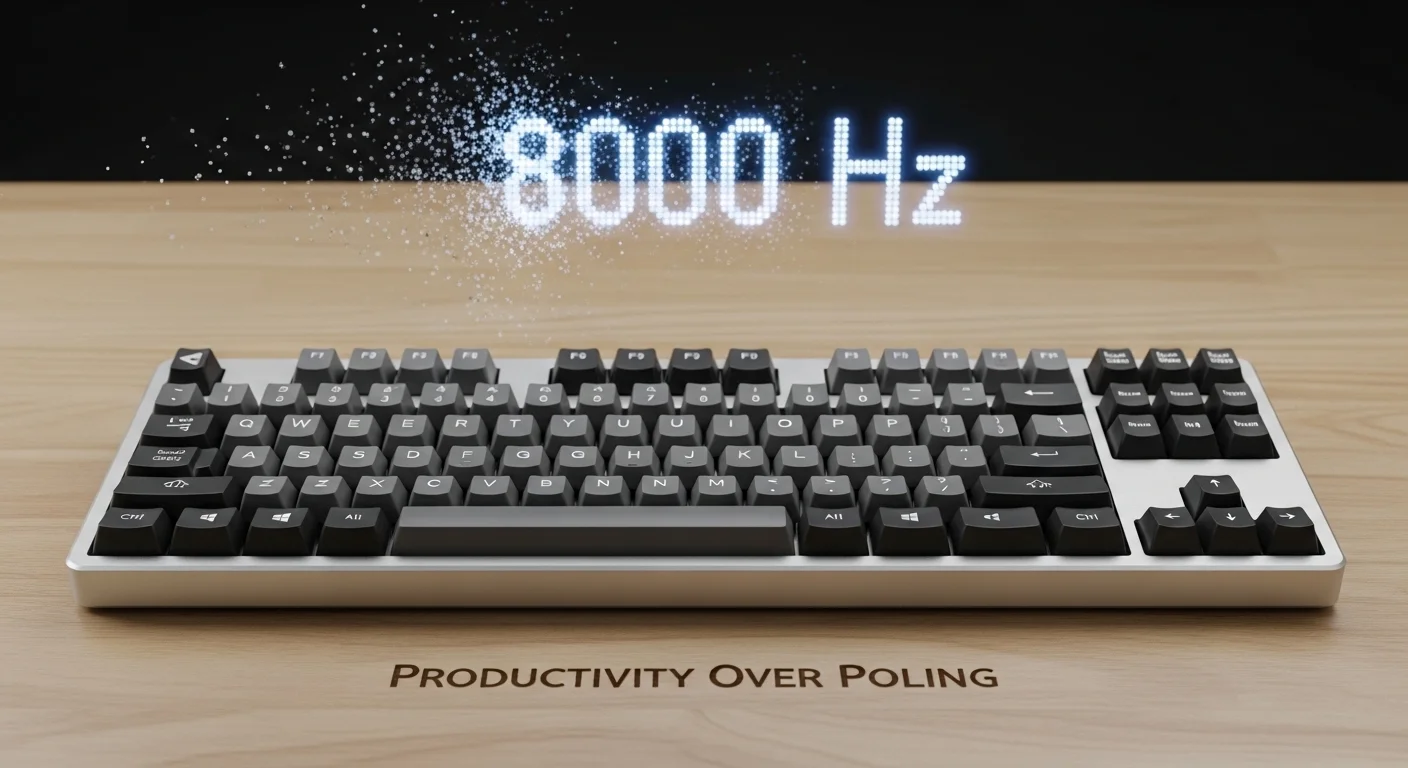
A productivity keyboard doesn\'t care about 8K polling. Its focus is on reducing the friction between thought and text. This means prioritizing **Tactile Feedback**—a physical "bump" that confirms a key has been pressed—which reduces typing errors. Productivity tools also focus on software integration, offering dedicated keys or layers for things like window management, meeting controls, and macro-shortcuts for professional software like Adobe Creative Cloud or VS Code.
Section 2: Switches – Speed vs. Feel
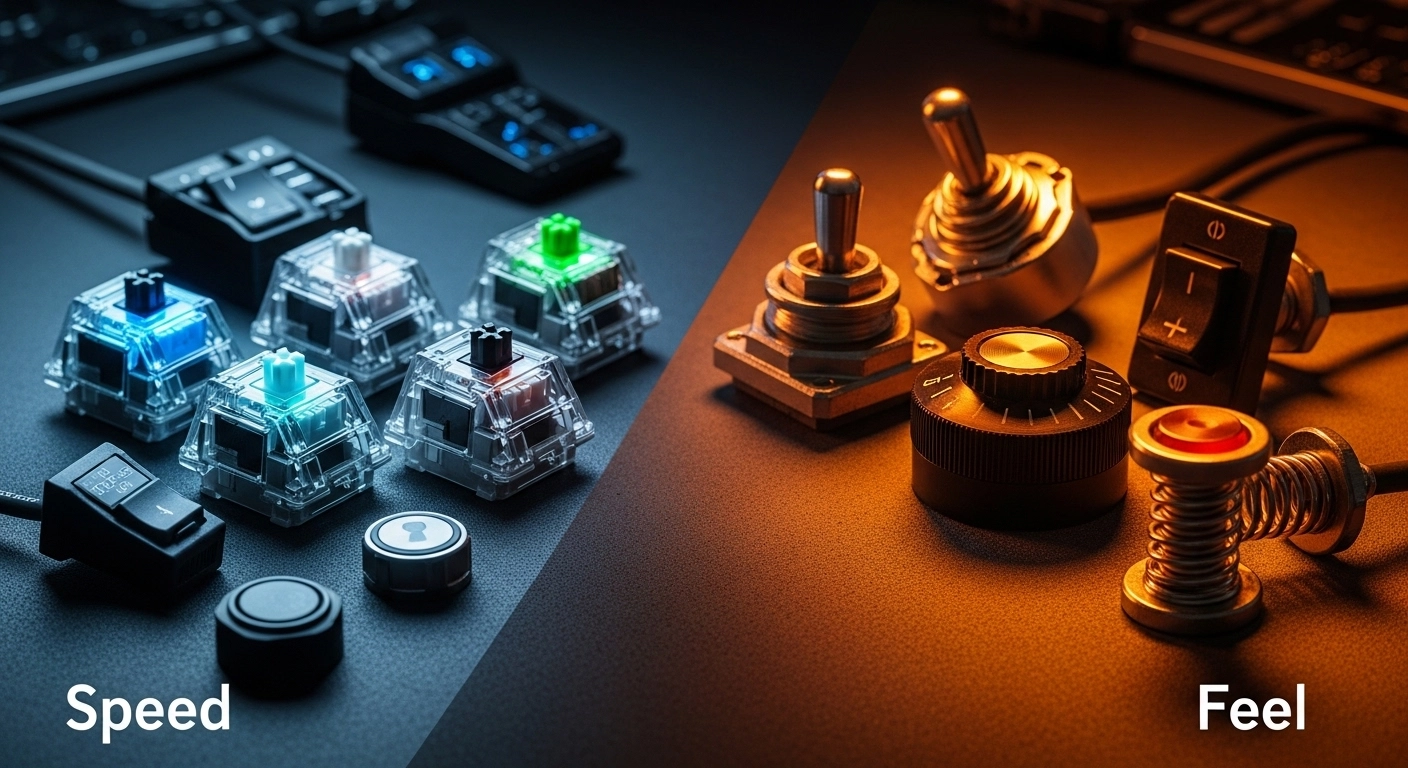
The switch choice is where these two philosophies collide most physically.
Gaming Switches: Linear and Light
Most gamers prefer Linear switches. They offer a smooth travel from top to bottom with no resistance. This allows for faster double-tapping and easier "fluttering" of keys. Modern gaming switches often have a very high actuation point (as little as 0.1mm), meaning you barely have to touch the key for it to register. This is great for speed, but terrible for typing emails, where it leads to unintended "fat-finger" errors.
Productivity Switches: Tactile and Substantial
Typists and coders generally gravitate toward Tactile or Clicky switches. The goal here is to **avoid bottoming out**. By feeling the bump halfway through the stroke, the user can train themselves to let go of the key early, reducing the impact on their finger joints over thousands of presses. In 2026, silent tactiles have become the gold standard for office-ready productivity boards.
Section 3: Layouts – Compact vs. Comprehensive
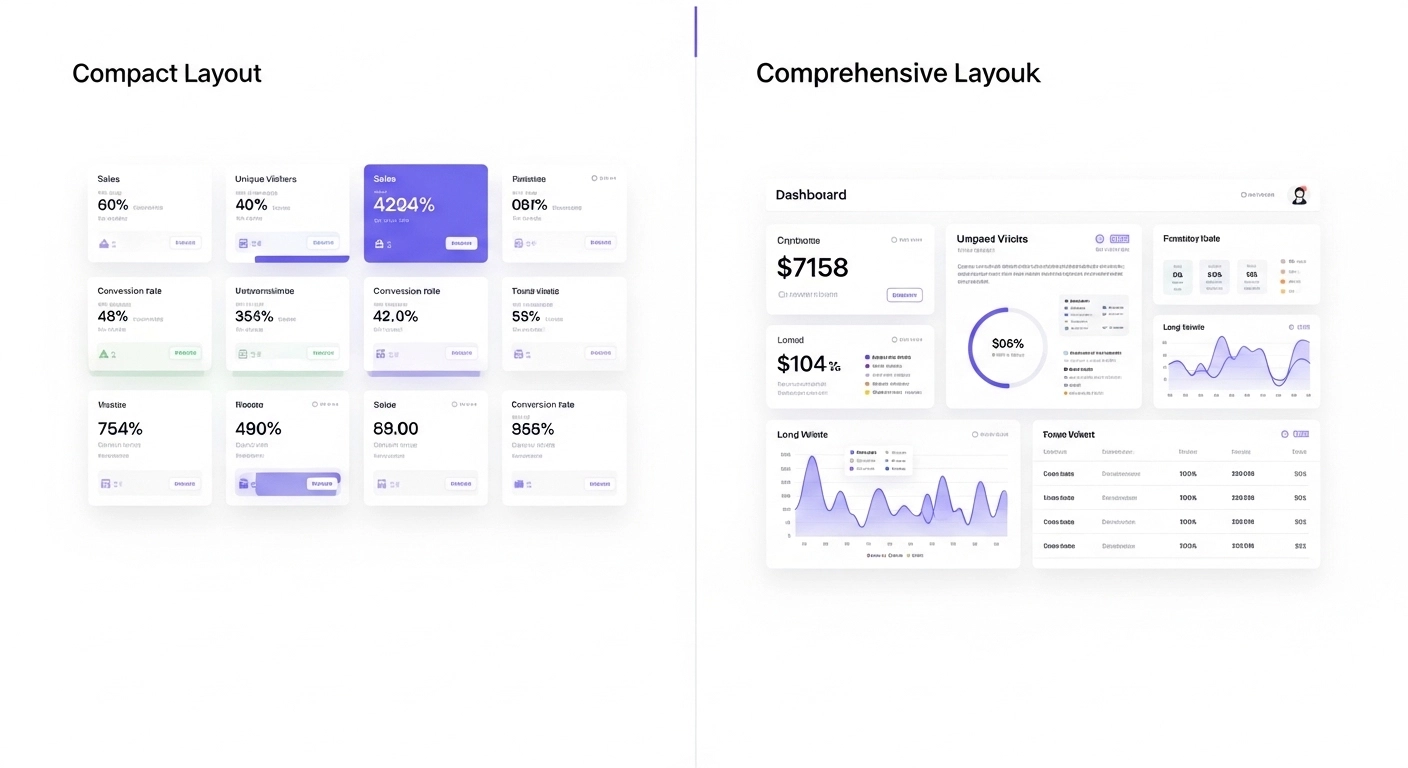
The physical shape of the board often tells you its intended purpose immediately.
60% and TKL: The Gamer\'s Choice
Gamers love 60% and Tenkeyless (TKL) layouts because they remove the number pad, providing more room for enormous mouse movements. If you play shooters with low sensitivity, that extra 4-5 inches of desk space is the difference between a headshot and a missed swipe. These boards are also portable, perfect for LAN parties or tournaments.
Full-Size and 1800: The Professional\'s Choice
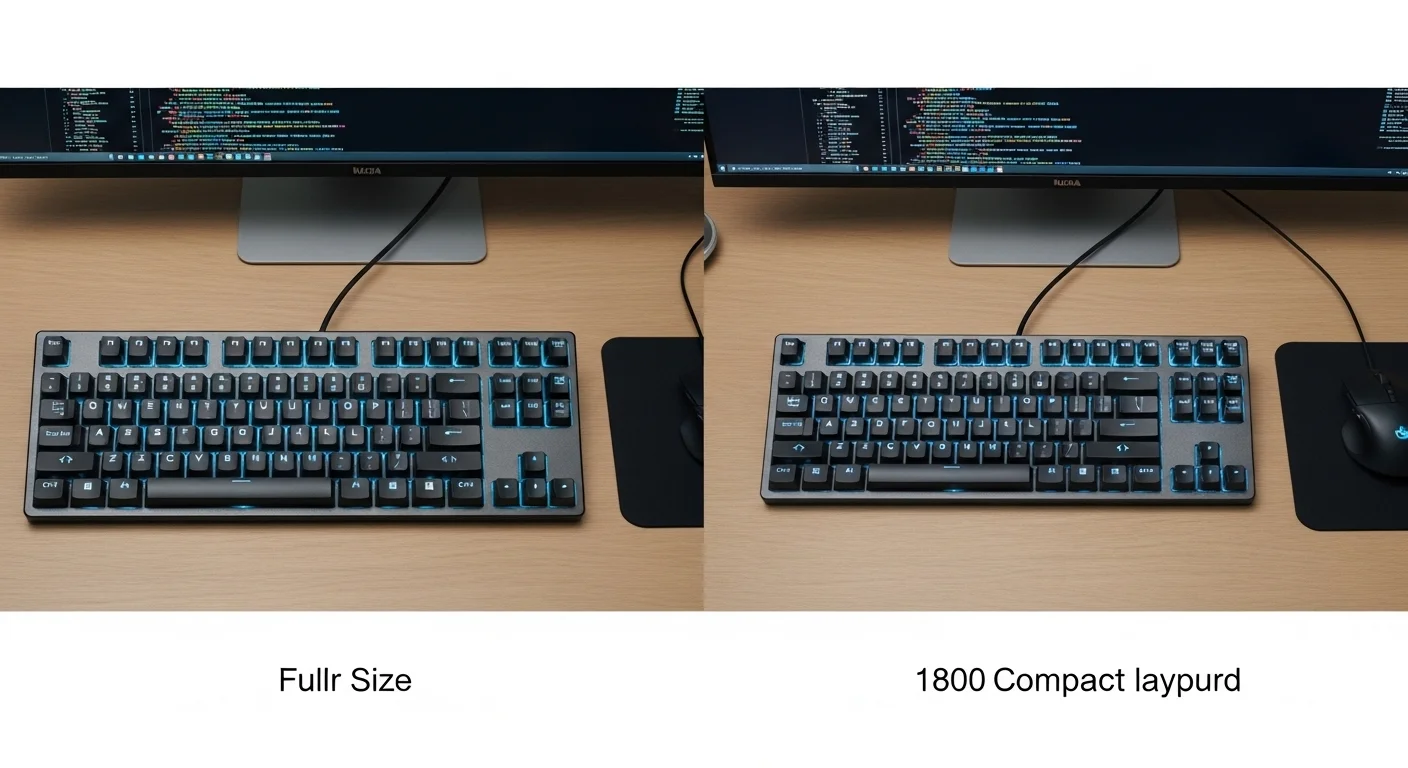
If you work with spreadsheets, data entry, or advanced accounting software, the Numpad is non-negotiable. Full-size or "1800 compact" layouts keep all the keys but reorganize them to save some space. Productivity users also often prefer **Split Layouts**, where the keyboard is in two halves to keep the shoulders open and wrists straight—a feature rarely found in high-performance gaming boards.
Section 4: Aesthetics and Customization
Design is the most visible differentiator. Gaming keyboards are synonymous with **RGB Lighting**. While often criticized as a gimmick, modern 2026 gaming software uses RGB for utility—lighting up your cooldowns, showing your health bar across the keyboard, or only illuminating the keys used by a specific game. Customization is focused on lighting patterns and macro recording.
Productivity keyboards tend toward a more "Minimalist" or "Industrial" aesthetic. Think beige, grey, or clean white aluminum cases. They prioritize high-quality **PBT Keycaps** with clear, easy-to-read legends. Customization in the productivity world is more about **firmware**—layering the board so that holding the Spacebar turns your entire right hand into a navigation cluster (Home, End, Arrows), keeping your hands on the home row at all times.
Comparison Table: Gaming vs. Productivity
| Feature | Gaming Keyboard | Productivity Keyboard |
|---|---|---|
| Switch Focus | Linear / Magnetic / Optical | Tactile / Silent / Topre |
| Polling Rate | 1000Hz - 8000Hz | 125Hz - 1000Hz |
| Key Feature | Rapid Trigger / RGB Sync | Layers / Macros / Ergo |
| Primary Goal | Speed & Reaction | Comfort & Accuracy |
Section 5: Can One Board Do Both?
In 2026, many users are looking for a "Hybrid" board. Hot-swappable mechanical keyboards have made this possible. You can take a solid aluminum case, put fast linear switches on your WASD keys for gaming, and use tactile switches for the rest of the board for typing. Software like QMK and VIA allows you to create separate profiles—one for your work day and one for your gaming night—at the flip of a switch.
Frequently Asked Questions
Q: Is a gaming keyboard bad for typing?
Not "bad," but often less efficient. High-sensitivity gaming switches can lead to more typos, and the lack of a Numpad can slow down data-heavy work.
Q: Are productivity keyboards slower for games?
Technically yes, but only at the highest competitive levels. For single-player or casual gaming, a good productivity board is perfectly adequate.
Q: Why are productivity keyboards often more expensive?
They often utilize more complex ergonomic designs (like split layouts) and premium materials (like solid CNC aluminum) that are built to last decades, whereas some gaming boards rely more on software and plastic shells.
Conclusion: Identify Your 90%
When choosing between gaming and productivity, ask yourself: what am I doing 90% of the time? If you spend the day in spreadsheets and emails, don\'t sacrifice your wrist health for a 0.1ms faster response time. If you are an aspiring pro-gamer, don\'t let a heavy tactile switch slow down your reactions. There is no "wrong" choice, only the choice that best supports your primary goals.
Unsure if your current board is failing you in games or work? Test your key registration and latency now.
Benchmark your keyboard on Keytest.io → Start Test NowShare this comparison with anyone struggling to choose their next upgrade!