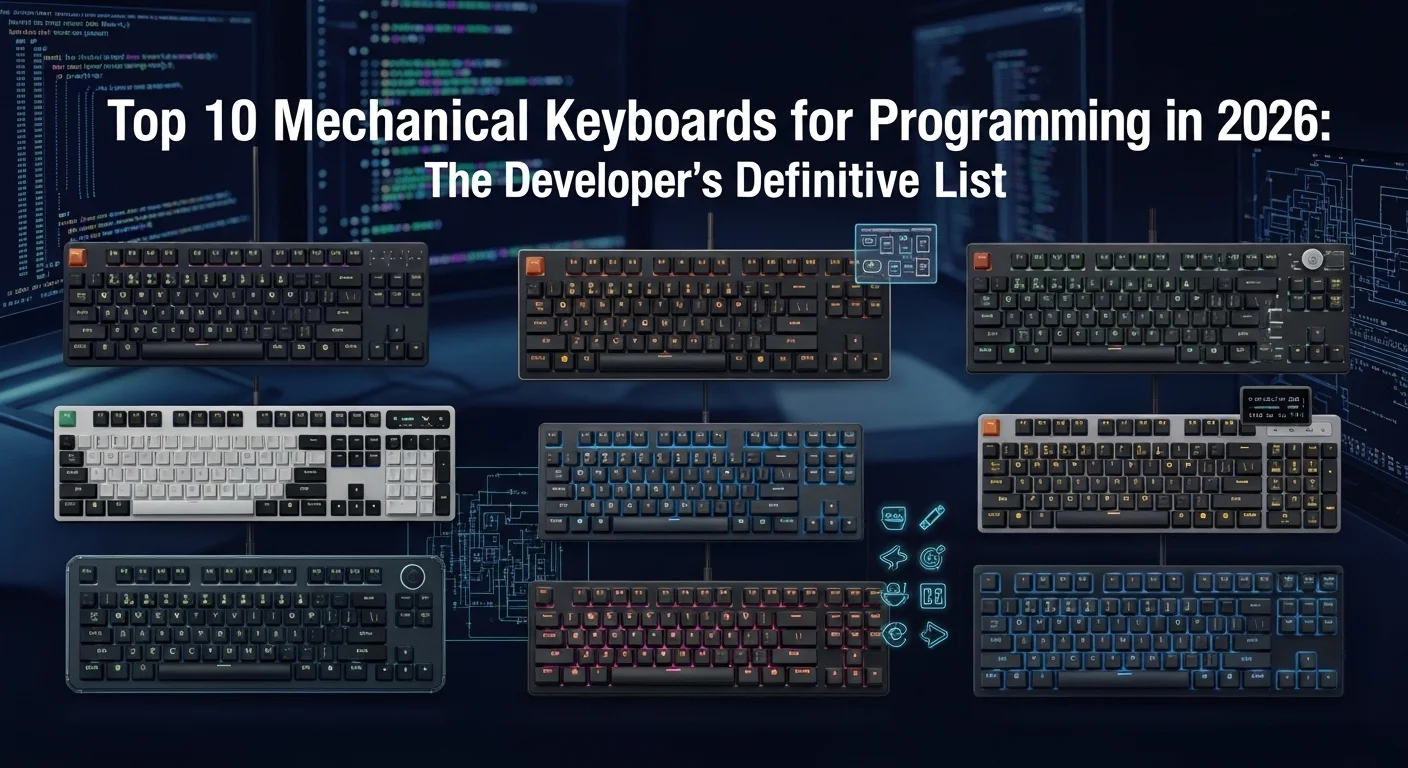
Introduction: The Ultimate Tool for the Digital Architect
For a programmer, the keyboard is more than just a peripheral—it is an instrument. Just as a master craftsman chooses their tools with extreme precision, a developer must choose a keyboard that minimizes fatigue, maximizes speed, and provides the tactile feedback necessary for a flow state. In 2026, the market has evolved to provide specialized tools for every niche of development, from mobile app creators to systems engineers.
Whether you prioritize extreme ergonomics, satisfying acoustics, or a compact layout that fits in a laptop bag, this list of the Top 10 programming keyboards of 2026 has something for you. We\'ve tested hundreds of boards to find the perfect balance of build quality, software customization, and switch performance.
1. The Gold Standard: Keytest Pro 65 (2026 Edition)
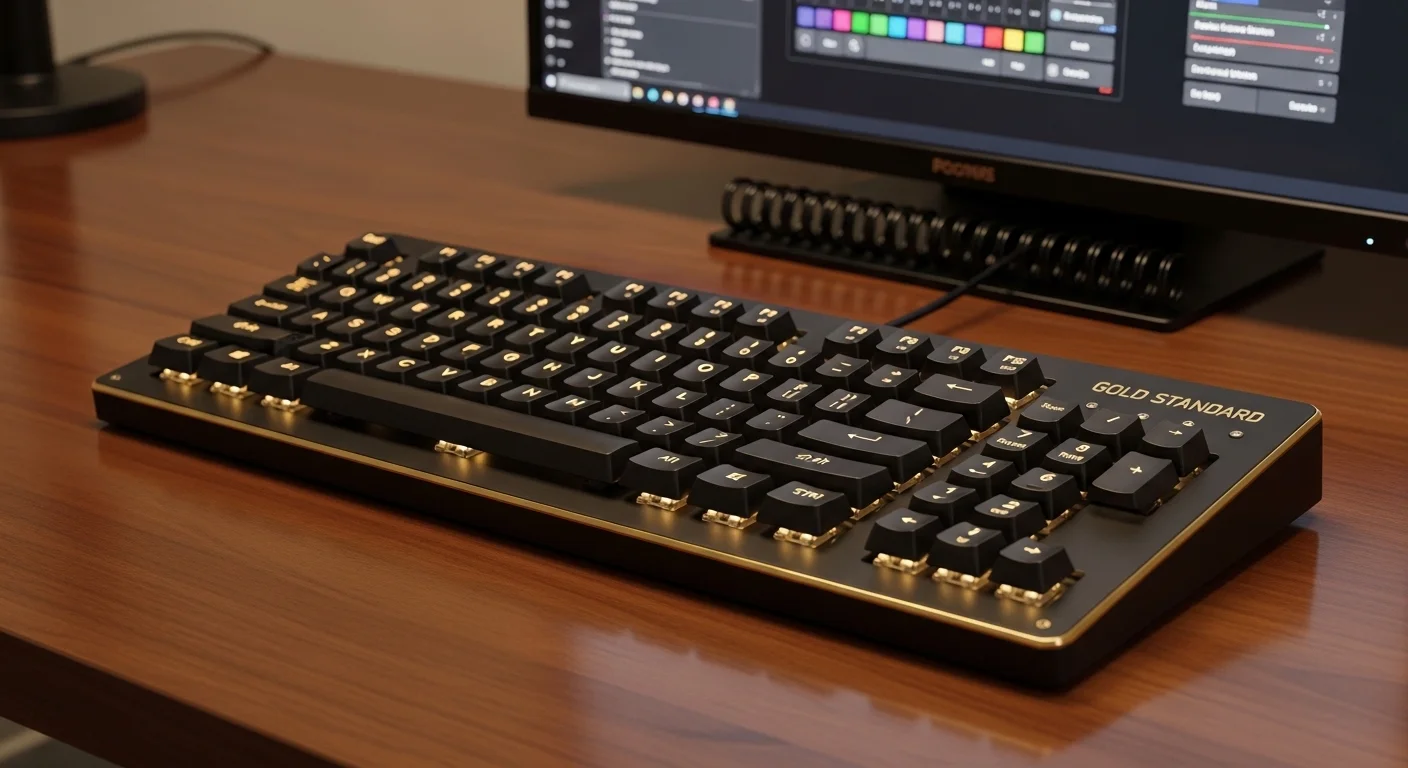
The Keytest Pro 65 continues its reign as the most balanced keyboard for modern development. Its 65% layout provides the essential arrow keys and a few navigation keys without taking up excessive desk space. The 2026 edition features a gasket-mounted aluminum case that provides a soft, cushioned typing experience—perfect for 10-hour coding sessions.
Key Feature: Multi-layer VIA support allows you to map complex macros to any key, making it a favorite for Vim and Emacs users who need deep customization.
2. Ergonomic Excellence: Gravity Split Ergo
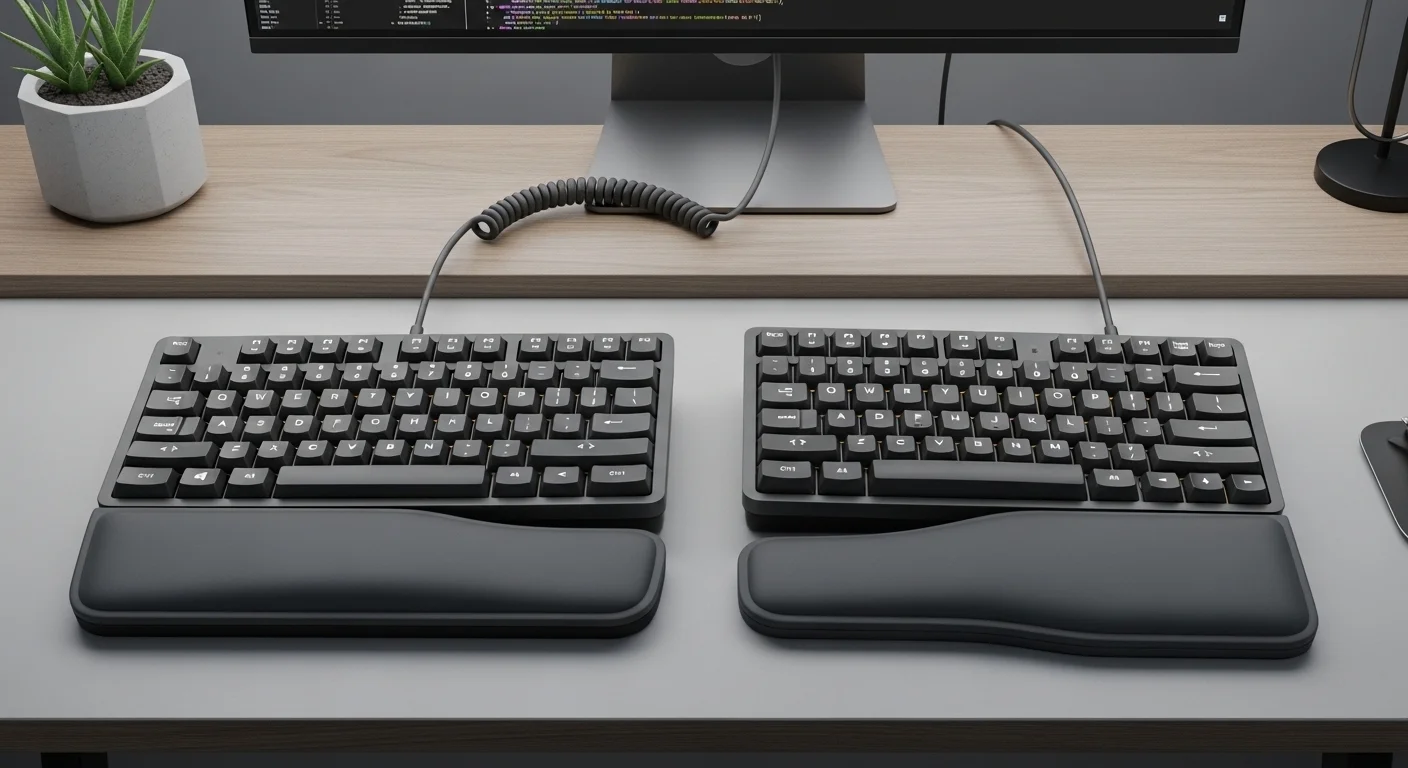
Health is wealth, especially in a career that involves thousands of keystrokes a day. The Gravity Split Ergo is a fully split mechanical keyboard that allows you to position each half exactly where your shoulders are most comfortable. It features a column-staggered layout that reduces finger travel and a built-in tenting kit to prevent wrist pronation.
Key Feature: Integrated trackball on the right half, allowing you to control the cursor without ever taking your hands off the home row.
3. The Minimalist Powerhouse: Anne Pro 4
The Anne Pro series has long been a staple of the 60% community, and the Pro 4 takes it to the next level with extremely low-latency 2.4GHz wireless and a massive battery that lasts for months. Its clean, aesthetic design looks perfect in a minimalist setup, but under the hood, it\'s a performance monster.
Key Feature: The "Magic Fn" key allows you to use the Caps Lock as a modifier, giving you instant access to your function row and navigation keys without moving your hands.
4. Tactile Bliss: HHKB Professional Hybrid Type-S (Gen 4)
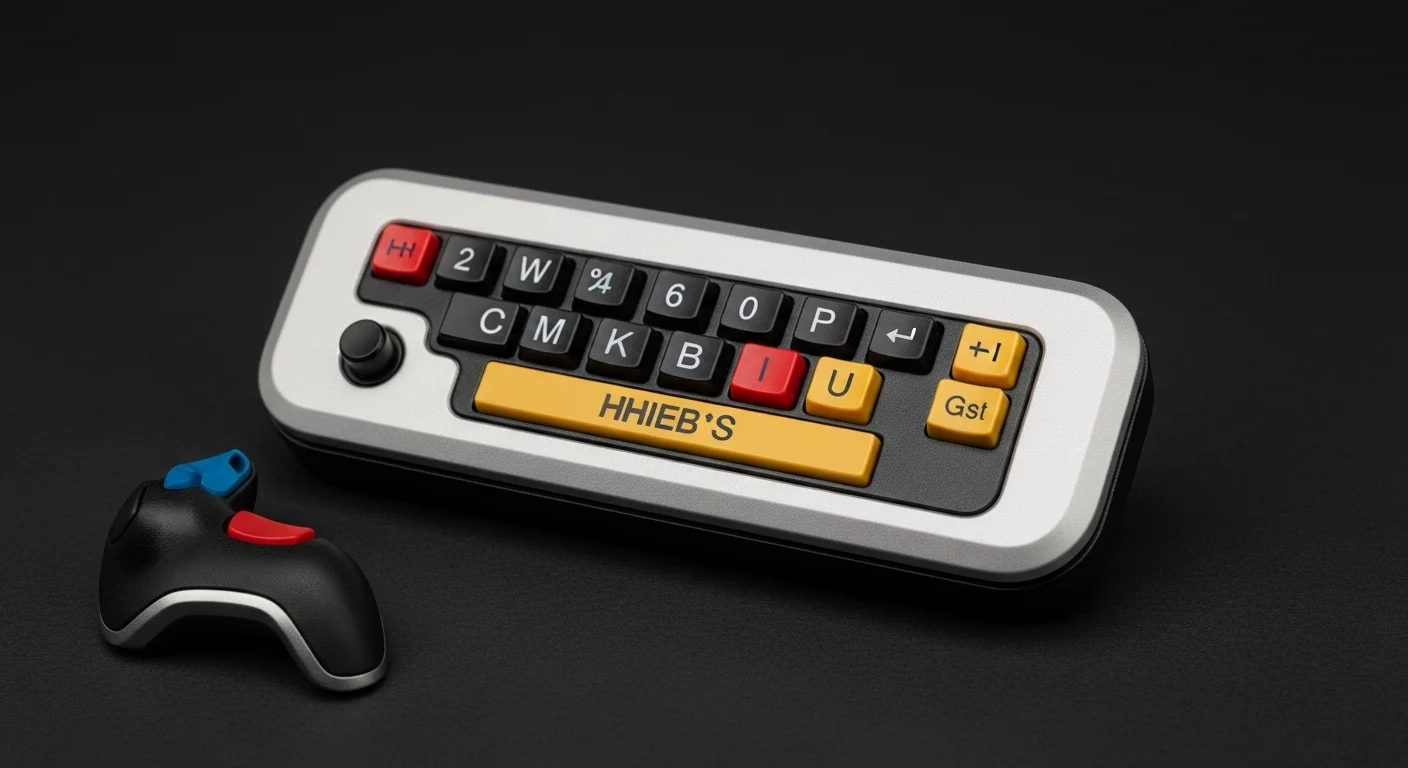
The Happy Hacking Keyboard (HHKB) is a legend in the Unix world. It uses Topre electrostatic capacitive switches, which provide a unique "thocky" sound and a tactile feel that many developers swear is the best in existence. The unique layout is designed specifically for programmers, placing the Control key where Caps Lock usually sits.
Key Feature: Silent Topre switches provide the most satisfying tactile bump without distracting colleagues or family members during late-night sessions.
5. The Custom Experience, Pre-Built: Glorious GMMK 3
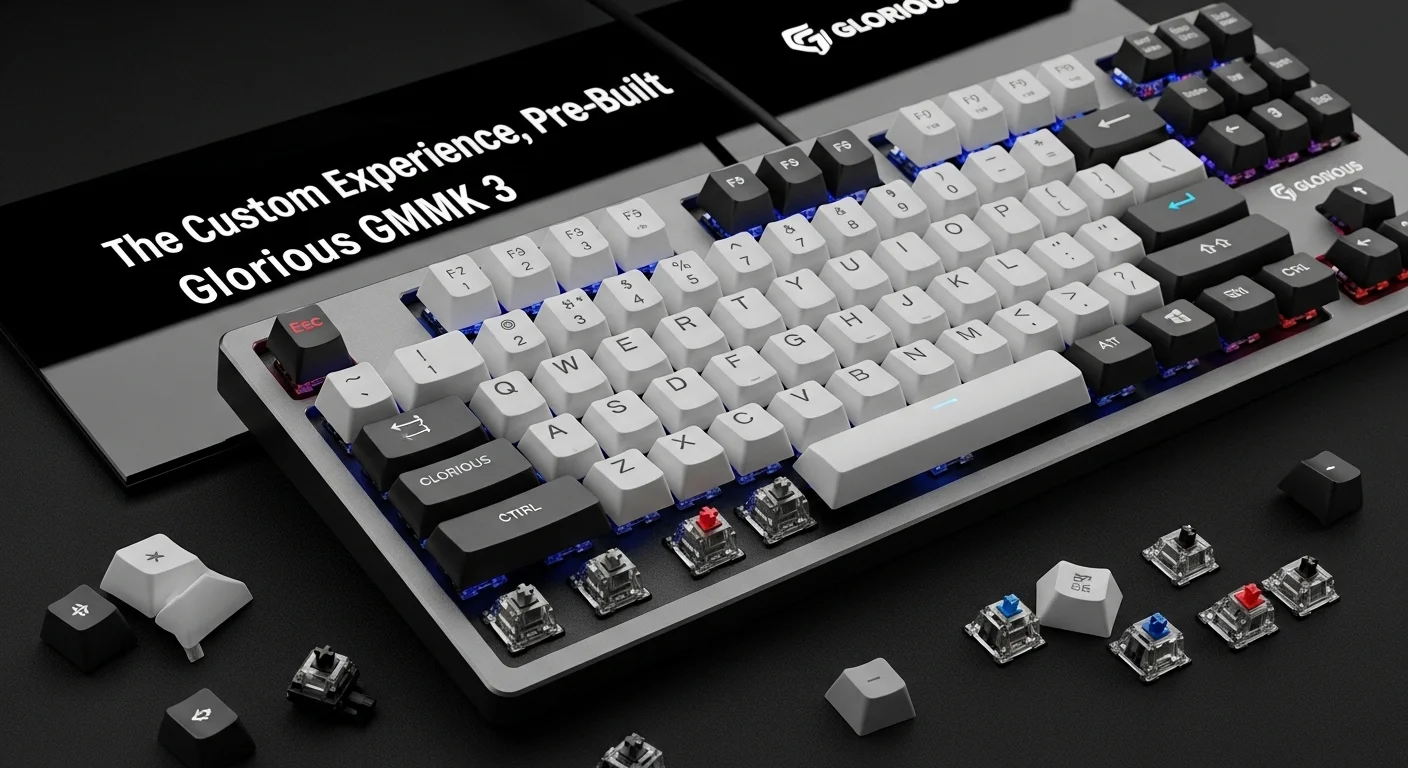
If you want the feel of a custom keyboard without the effort of building one, the GMMK 3 is the answer. It comes pre-lubed and features high-end screw-in stabilizers. It\'s fully hot-swappable, meaning you can swap out the switches in minutes if you decide you want a different feel.
Key Feature: Rotary encoder knob for precise control over volume, brightness, or even scrolling through code blocks.
6. The Productivity Giant: Logitech MX Mechanical (2026 Refresh)
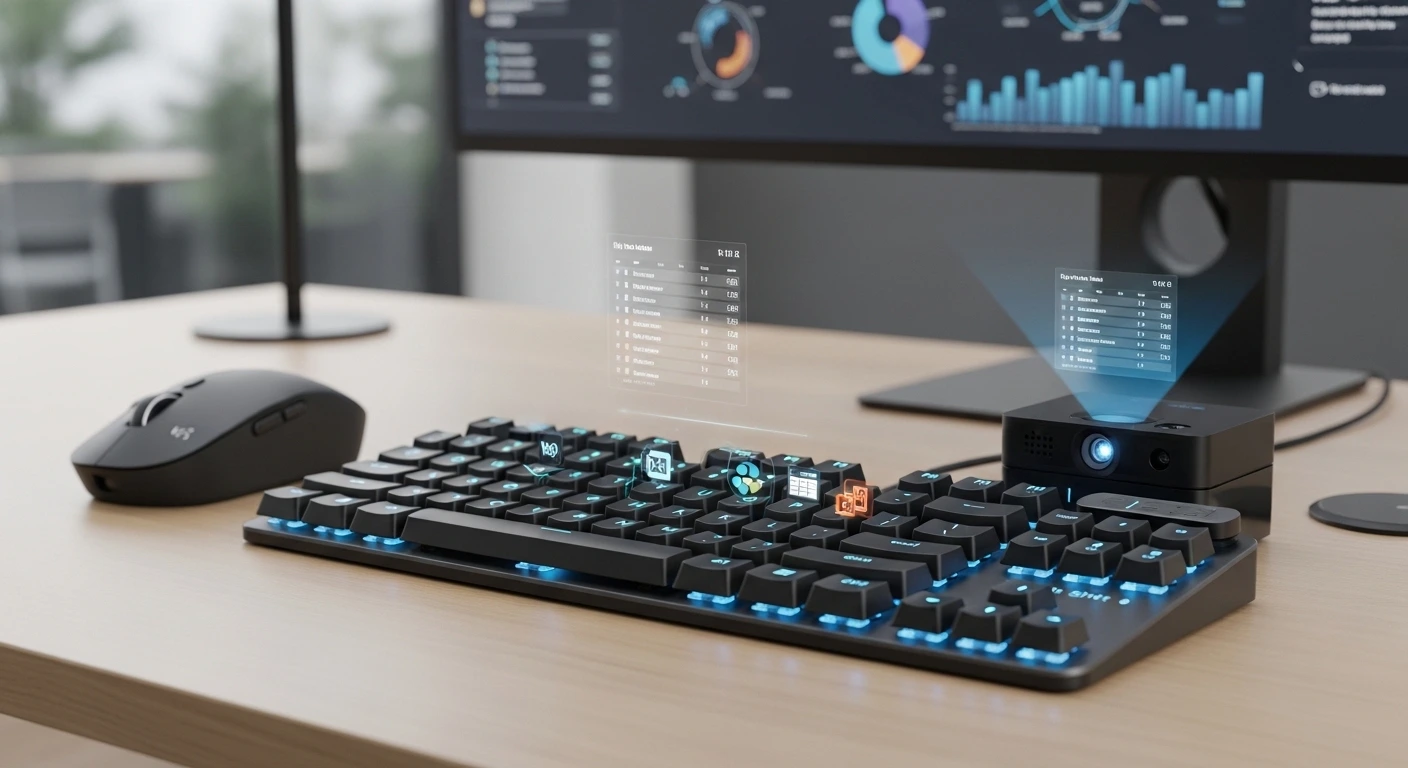
For developers who move between multiple machines and operating systems, the MX Mechanical is hard to beat. It features low-profile switches that feel modern and sleek, and it can pair with up to three devices simultaneously via Bluetooth or Logi Bolt.
Best for: Full-stack developers who need a reliable, professional tool that "just works" across Windows, Mac, and Linux.7. The Ortholinear Option: Planck EZ Glow

Moving to an ortholinear (grid) layout is a challenge, but for those who make the jump, there is no going back. The Planck EZ is a 40% keyboard that uses layers to provide all the functionality of a full-size board. By keeping every key within one unit of the home row, it dramatically increases typing efficiency.
Key Feature: Graphical configuration tool allows you to visually map your layers without writing a single line of C code.
8. The Silent Assassin: Leopold FC660C

Leopold is known for having the best factory keycaps in the industry. The FC660C uses Topre switches in a dense, heavy case that emphasizes the deep, quiet sound profile that many professional writers and coders prefer.
Key Feature: Double-shot PBT keycaps with a texture that feels premium and never wears out, even after millions of lines of code.
9. The Gaming Crossover: Razer Huntsman V4 Pro
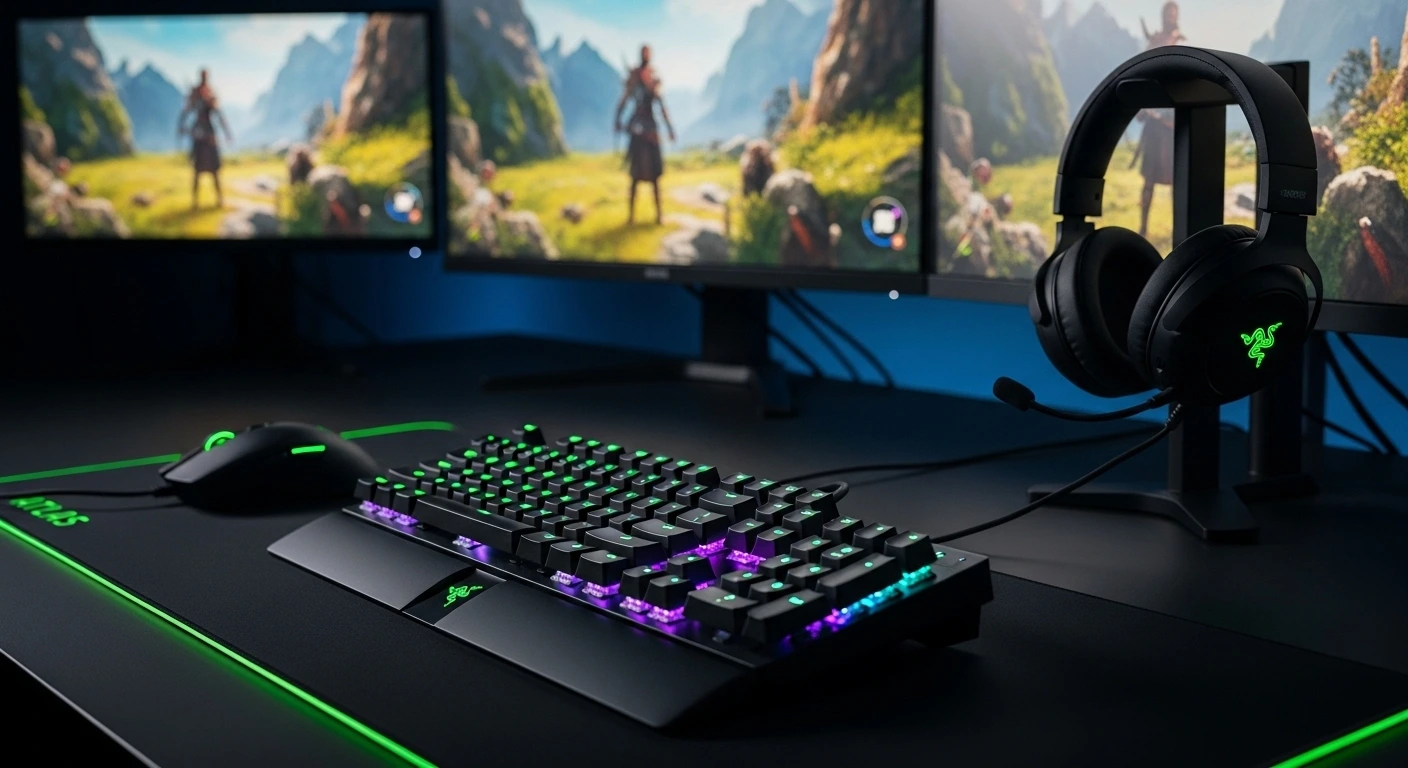
Many developers are also gamers, and the Huntsman V4 Pro uses analog optical switches that are incredible for both. You can set the actuation point higher for fast gaming and lower for deliberate typing to avoid accidental keystrokes.
Key Feature: Rapid Trigger technology allows for the fastest possible repeat inputs, a niche but powerful feature for certain types of development work.
10. The Budget King: Keychron V1
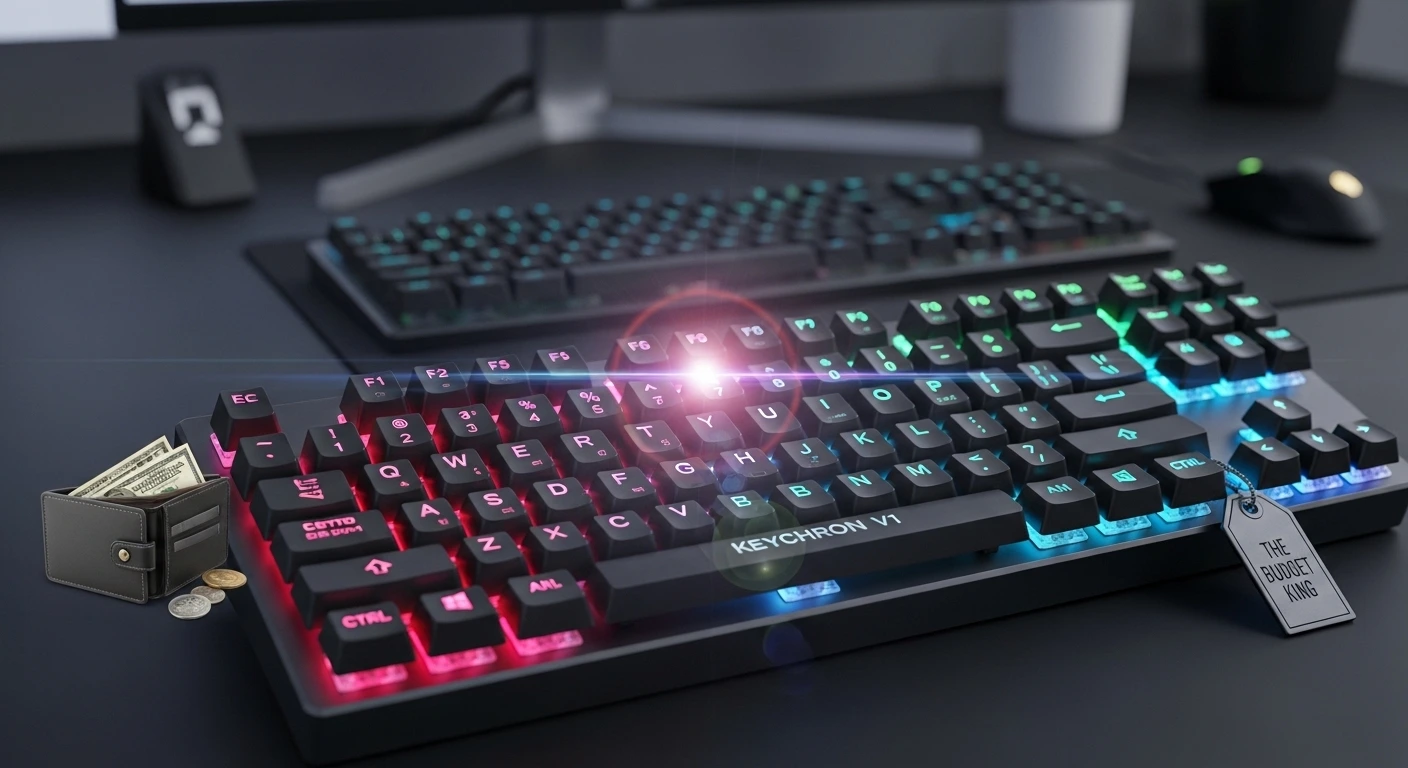
You don\'t need to spend $500 to get a great programming keyboard. The Keychron V1 is a 75% board that offers incredible value. It features an open-source QMK firmware, hot-swappable switches, and a solid build that handles daily abuse with ease.
Key Feature: Best-in-class out-of-the-box experience for under $100.
Comparison Table: Programming Keyboards 2026
| Keyboard | Layout | Switch Type | Best For |
|---|---|---|---|
| Keytest Pro 65 | 65% | Mechanical | The All-Rounder |
| Gravity Split Ergo | Split | Mechanical | RSI Prevention |
| HHKB Hybrid | HHKB | Topre | Unix/Vim Users |
| Keychron V1 | 75% | Mechanical | Value / Beginners |
Frequently Asked Questions
Q: What layout is best for programming?
Most developers prefer 65% or 75% layouts. They provide the most critical keys (Arrows, Esc, Delete) in a compact form factor that allows for a more ergonomic mouse position.
Q: Should I use Linear or Tactile switches for coding?
Tactile switches are generally preferred for typing as the physical bump helps prevent accidental keystrokes. However, light linear switches are gaining popularity among fast developers who want to minimize resistance.
Q: Is wireless reliable enough for professional work?
In 2026, yes. 2.4GHz wireless technology is now indistinguishable from wired in terms of latency and reliability.
Conclusion
Your keyboard is the bridge between your thoughts and the machine. Investing in a high-quality mechanical keyboard from this list is an investment in your productivity, your comfort, and your long-term health. Whether you choose the ergonomic focus of the Gravity Split or the classic feel of the HHKB, you\'re taking a major step toward a better development experience.
Are you seeing double-typing or unresponsive keys on your current board? Test it now to see if it\'s time for an upgrade.
Quickly test your keyboard on Keytest.io → Start TestBookmark this list and share it with your dev team!