Introduction: The Trend of the Shrinking Keyboard
If you look at the most popular custom keyboards of 2026, you\'ll see a lot of small boards. The 60%, 65%, and 75% layouts have become the icons of the hobby—celebrated for their clean aesthetics, portability, and ergonomic mouse positioning. But as this "war on desk space" continues, a silent majority remains loyal to the original: the Full-Size 104-key layout. For these users, the removal of the Numpad and the Dedicated Navigation Cluster isn\'t a feature; it\'s a handicap.
Why, in an age of layers and macros, do we still need a chunky block of numbers on the right side of our boards? Is it just muscle memory, or is there a fundamental productivity gap that compact keyboards can\'t bridge? In this 1500-word deep dive, we explore the psychology and the professional necessity of the Numpad and Nav Cluster in 2026.
Section 1: The Mathematics of the Numpad
The primary argument for the Numpad is speed. For a data entry professional, an accountant, or a software engineer working with constant numerical values, the "Number Row" (the numbers above your letters) is agonizingly slow. The Numpad is designed as a **3x3 grid**, allowing the human hand to reach any digit with minimal movement—a layout shared with calculators, bank machines, and phones for a reason.
The 10-Key Speed Advantage
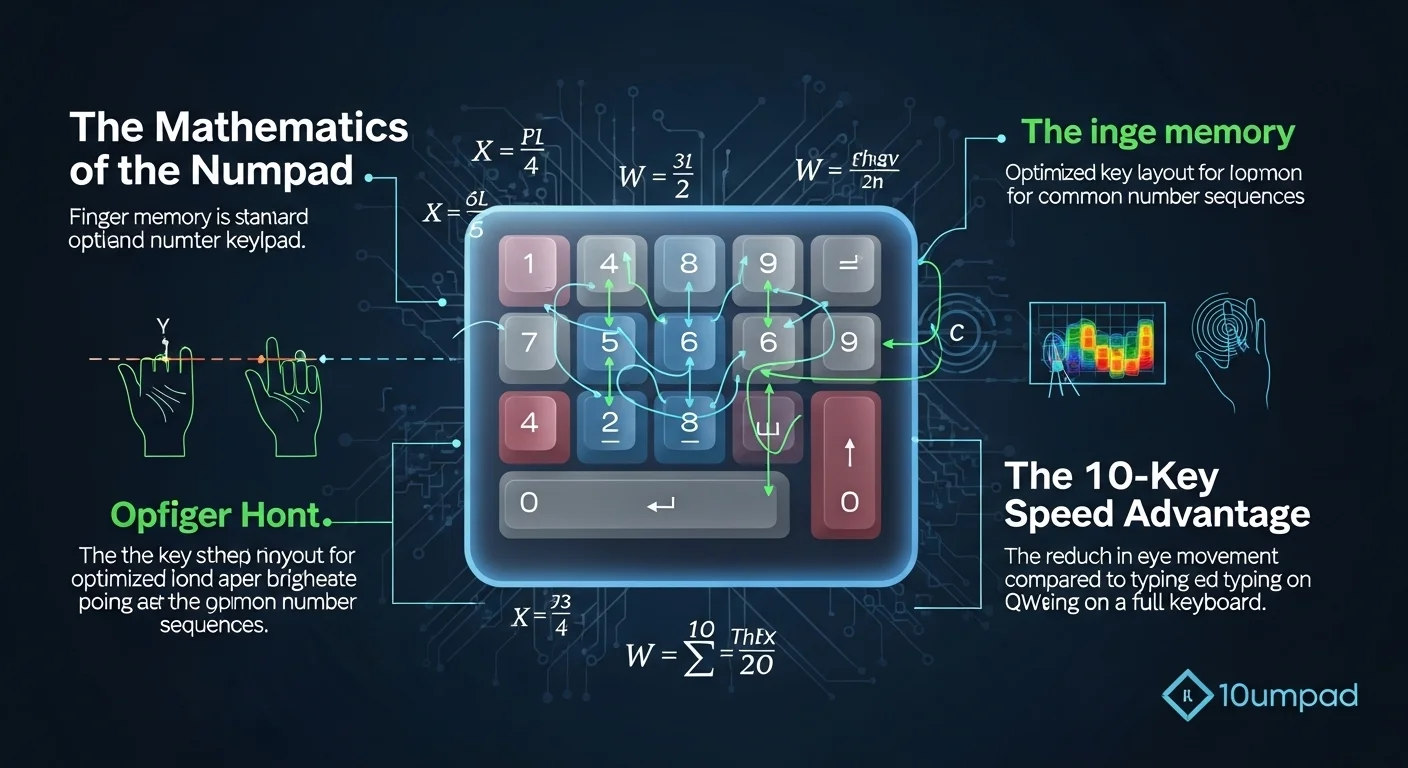
A proficient "10-key" user can enter hundreds of digits per minute without ever looking down. This is possible because the Numpad has a home-row indicator (the bump on the '5' key). On a 60% keyboard, you have to hunt and peck or significantly slow down to ensure accuracy. In industries like fintech and logistics in 2026, the Numpad is the difference between a task taking five minutes or fifteen.
Section 2: The Navigation Cluster – The Power of Muscle Memory
It\'s not just the numbers. The traditional navigation cluster—Insert, Delete, Home, End, Page Up, and Page Down—is often the second casualty of the compact movement. While these functions can be accessed via layers (e.g., Fn + Up Arrow for Page Up), this adds "mental overhead."
Why Dedicated Keys Matter

For video editors, lawyers navigating long documents, and developers scrolling through thousands of lines of code, the ability to jump to the "End" or "Home" of a line with a single mechanical tap is vital. When your work requires frequent jumping and deleting, having to coordinate two-handed key combinations (the Fn layer) slows down the rhythmic flow of professional editing. In 2026, many veterans are returning to TKL (Tenkeyless) or Full-Size boards specifically to regain these dedicated keys.
Section 3: Gaming and the Numpad – A Niche but Vital Use
We often think of gamers as the primary driver of small keyboards, but certain genres still demand the Numpad. In **Flight Simulators**, **Grand Strategy Games**, and **MMORPGs**, the Numpad acts as a massive auxiliary macro pad. Binding complex cockpit controls or rare spells to the Numpad allows for a level of control that a 60% board simply cannot offer. In 2026, the rise of "Hyper-Simulators" has actually caused a resurgence in high-end full-size gaming boards.
Section 4: The 1800 and 96% Compromise
In 2026, the industry has responded with "hybrid" layouts. The **1800 layout** (named after the Cherry G80-1800) and the **96% layout** reorganize the keyboard to include the Numpad but eliminate the large gaps between sections. These boards are barely wider than a TKL but provide 99% of the functionality of a full-size board. This has become the most popular choice for professionals who want a "custom" look without sacrificing the tools they need for their job.
Section 5: The Desktop Numpad – The Best of Both Worlds?
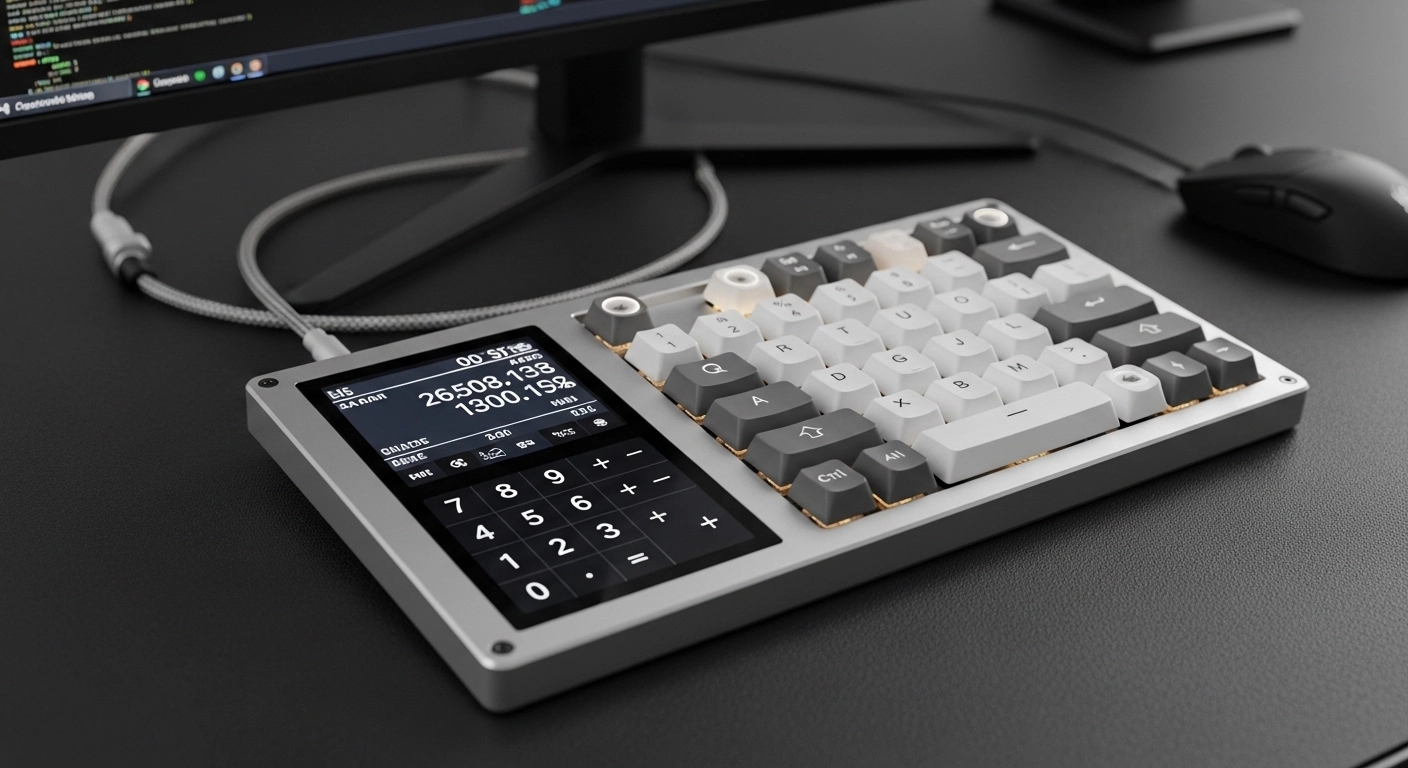
For those who love the ergonomics of a small keyboard (keeping the mouse closer to the center), the **Standalone Numpad** has become a multi-million dollar accessory market in 2026. This allows you to have a 65% keyboard for most of the day, and pull a dedicated mechanical numpad into your workspace when it\'s time to do taxes or data processing. It also allows you to place the Numpad on the *left* side of your keyboard—a layout known as "Southpaw"—which is revolutionary for ergonomics as it lets you use the numpad and the mouse simultaneously.
Layout Comparison Table
| Layout | Numpad? | Nav Cluster? | Best Use Case |
|---|---|---|---|
| Full Size | Yes | Yes | Finance / Data Entry |
| TKL | No | Yes | General Office / FPS Gaming |
| 65% | No | Partial | Minimalists / Travelers |
| 1800 / 96% | Yes | Compressed | The Ultimate Productivity |
Section 6: Is the Full-Size Dead?
Far from it. While the internet aesthetic favors the 60%, the sales data of 2026 shows that full-size keyboards are still the dominant choice for enterprise and high-end workstations. We are seeing a shift where the "standard" board is no longer a cheap plastic office hunk, but a premium mechanical full-size board with high-quality switches and aluminum cases. The Numpad isn\'t an antique; it's a stabilized, perfected tool for human efficiency.
Frequently Asked Questions
Q: Can I learn to be fast at typing numbers on the top row?
You can, but you will never reach the ceiling of a Numpad. The distance your fingers have to travel horizontally on the row is fundamentally less efficient than the vertical 3x3 grid.
Q: Why do 60% users say it\'s better for ergonomics?
A full-size keyboard is very wide. To use a mouse on the right, you have to angle your shoulder outward. Small keyboards let you keep your mouse hand closer to your body, reducing shoulder strain (RSI).
Q: What is a "Southpaw" Numpad?
A Southpaw keyboard puts the Numpad on the left side. This is highly ergonomic because it keeps your mouse hand close to the center while allowing your left hand to handle numerical inputs.
Conclusion: Tools for Your Reality
In the end, your keyboard should serve your work, not an Instagram aesthetic. If your day involves numbers, the Numpad is your best friend. If your day involves navigating thousands of lines of text, the Nav cluster is essential. Don\'t let the trend of small keyboards pressure you into a workflow that doesn\'t fit your reality. In 2026, the "Big Board" is still the undisputed king of the professional desk.
Think your Numpad might have a sticky key that\'s slowing down your spreadsheets? Benchmark every key on your board now.
Check your full-size layout on Keytest.io → Start TestShare this article with your fellow data wizards and spreadsheet masters!